All Articles
More Web Hosting & Server Guides
-
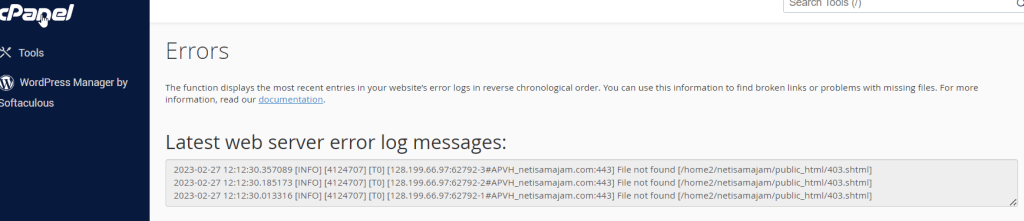
Errors – cPanel
This function will display the last 300 errors for your site. This can be very useful for finding broken links or problems…
-
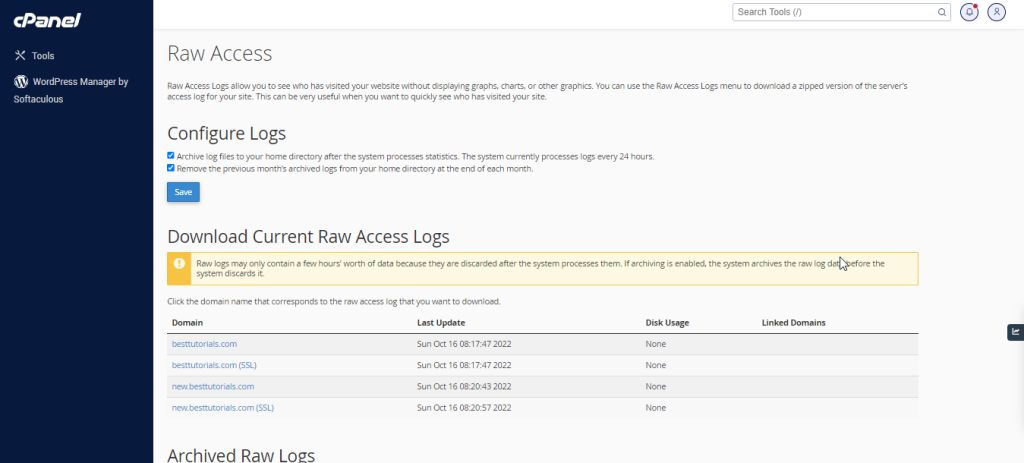
Raw Access – cPanel
Raw Access Logs allow you to see who has visited your website without displaying graphs, charts, or other graphics. You can use…
-
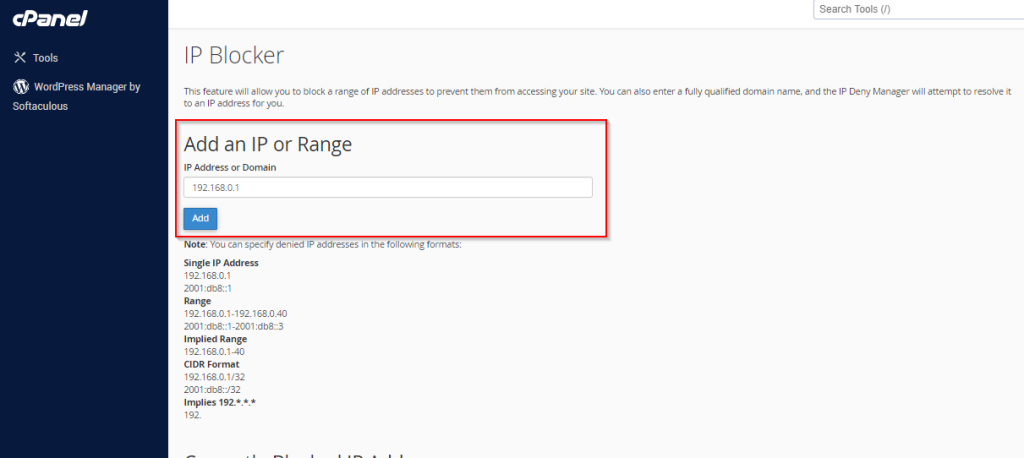
IP Blocker – cPanel
cPanel IP blocker enables you to block your website for a single IP address, domain name or a range of IP address.…
-
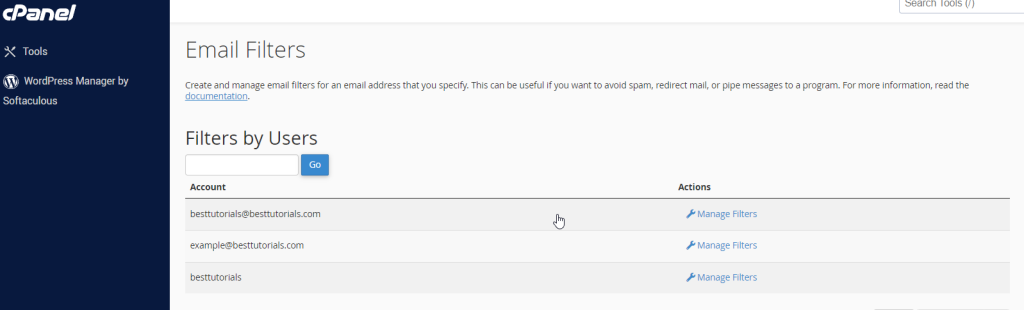
Email Filters – cPanel
Email filters are useful to create rules to block unwanted emails, based on certain rules you choose. You can specify some rules…
-
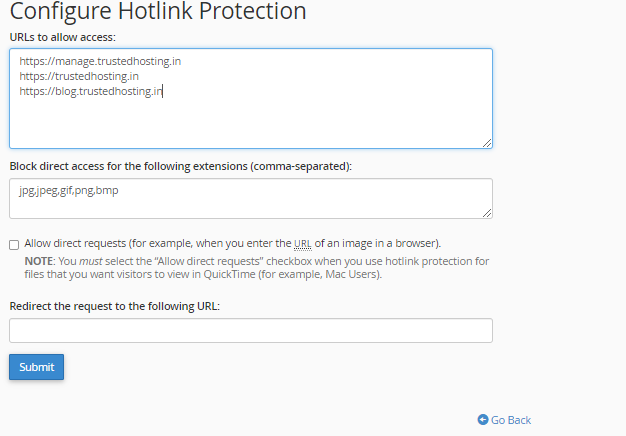
Hotlink Protection – cPanel
Hotlink Protection prevents other websites to directly load data from your website. For example, when somebody links an Image on your website…
-
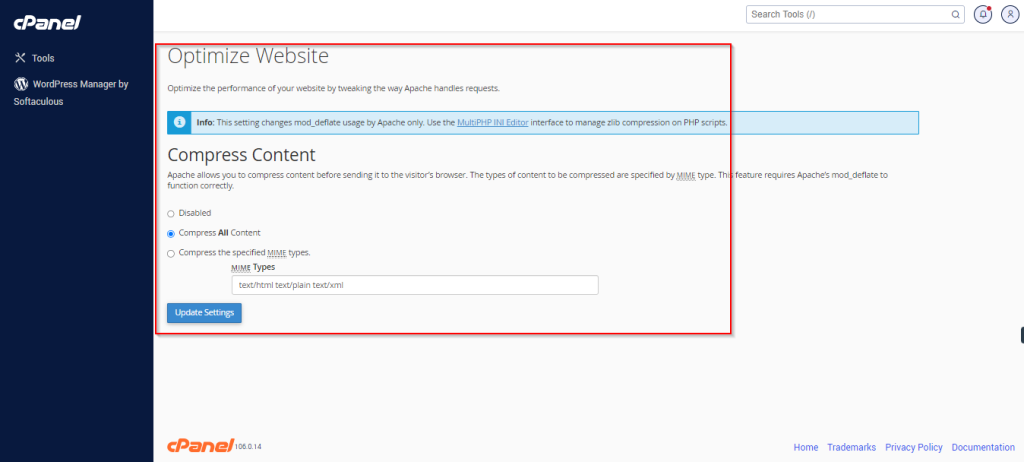
Optimize Website – cPanel
This interface of cPanel helps you to enable gzip compression. Apache allows you to compress the data before sending it to the browser and…
-
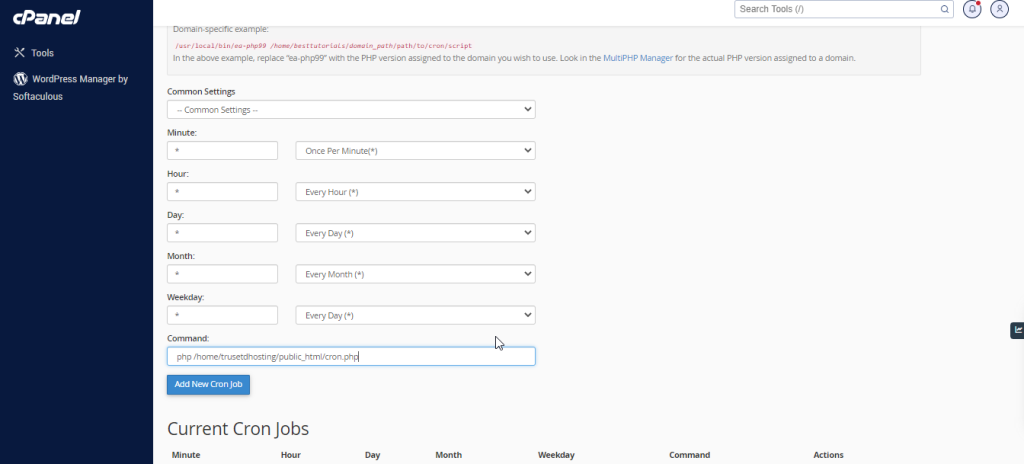
Cron Jobs – cPanel
If you want to run a command or a php program on a specified time interval like once a day or once a week,…
-
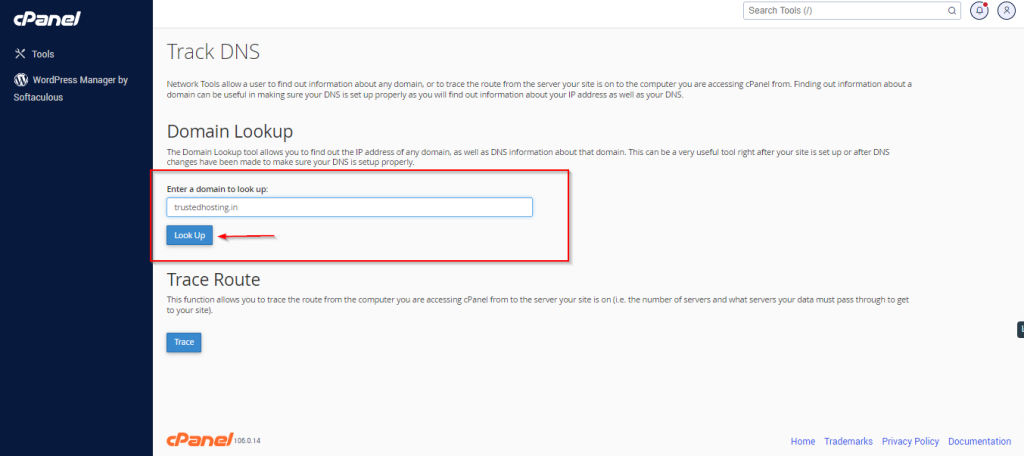
Track DNS – cPanel
You can use this interface of cPanel to find out the general DNS of a domain. It will give you the IP…
-
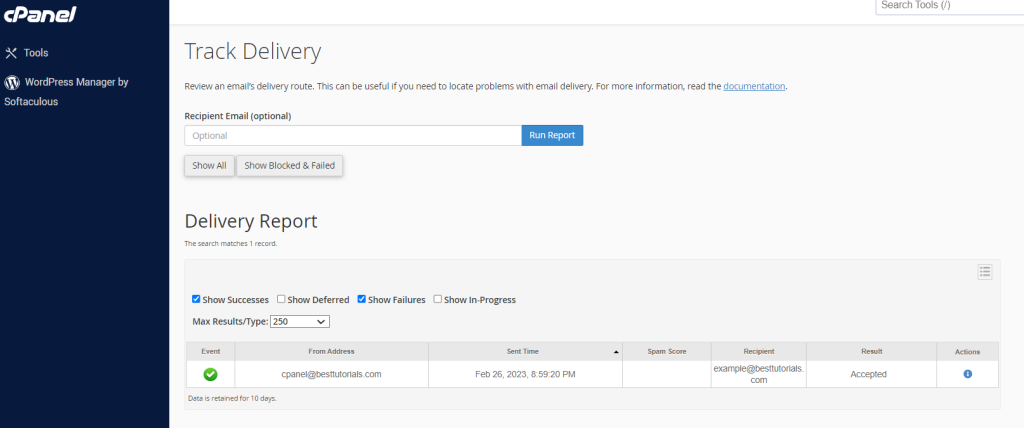
Track Delivery – cPanel
This Interface of cPanel is used to see delivery reports of emails. This interface can show the errors, while sending your email.…
-
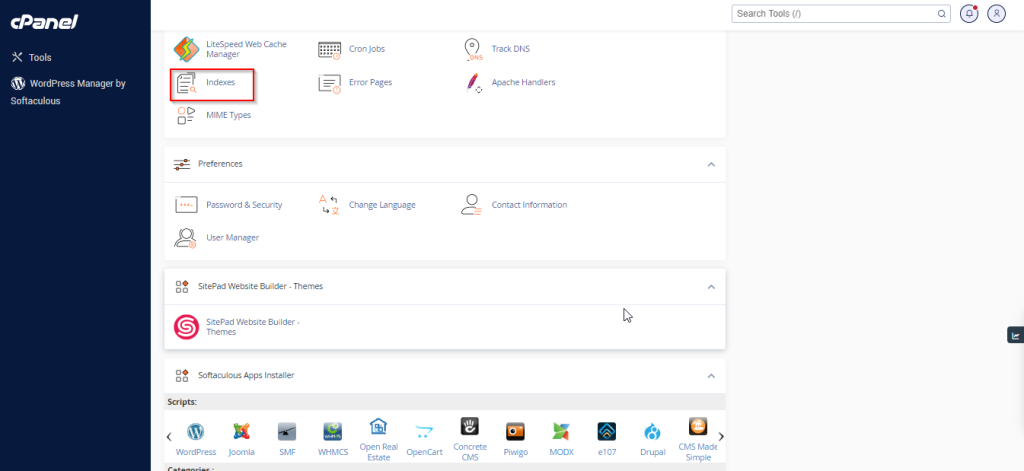
Indexes – cPanel
You can customize the way a directory looks in your website. By default, cPanel displays the list of files and directories, if…
-
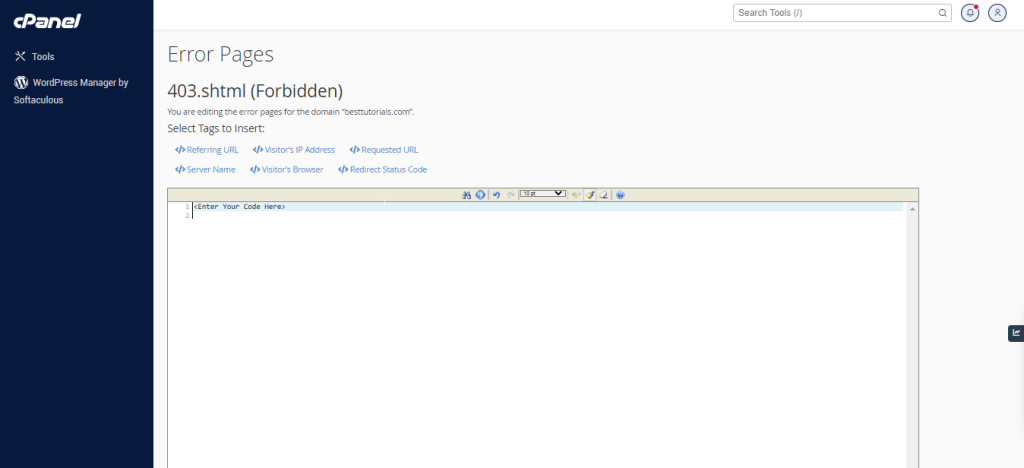
Error Pages – cPanel
When visitors browse your website and there is some problem accessing your website, your webserver automatically provides a basic error page. A…
-
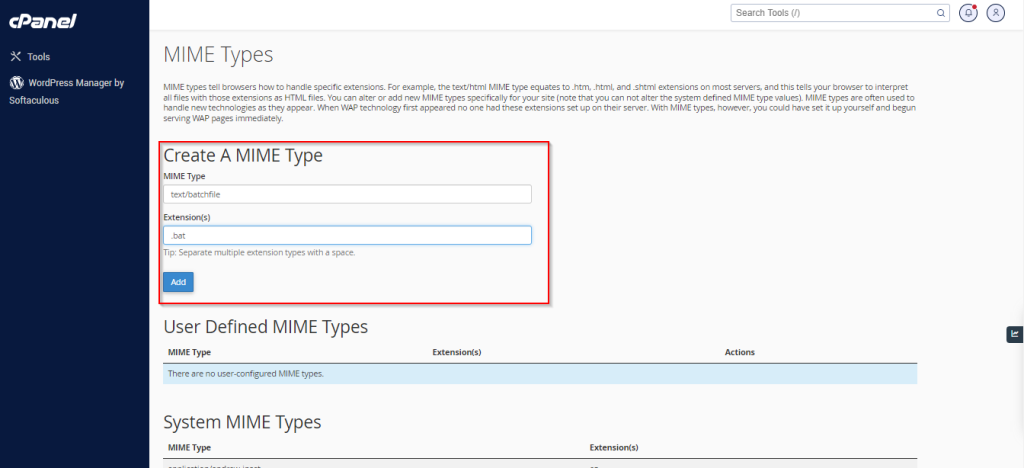
MIME Types – cPanel
MIME (Multi–Purpose Internet Mail Extensions) types tell the browsers how to handle certain types of files. When a file is sent to…
-
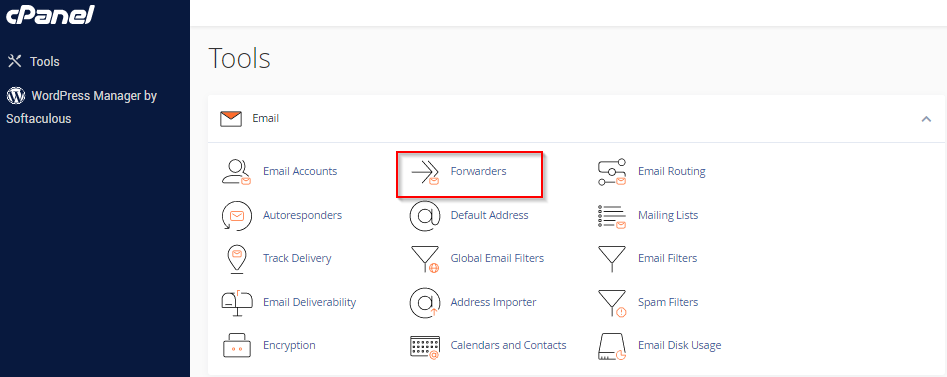
Email Forwarder – cPanel
You can create multiple email account in your cPanel email as per your need. When the number of emails accounts get higher,…
-
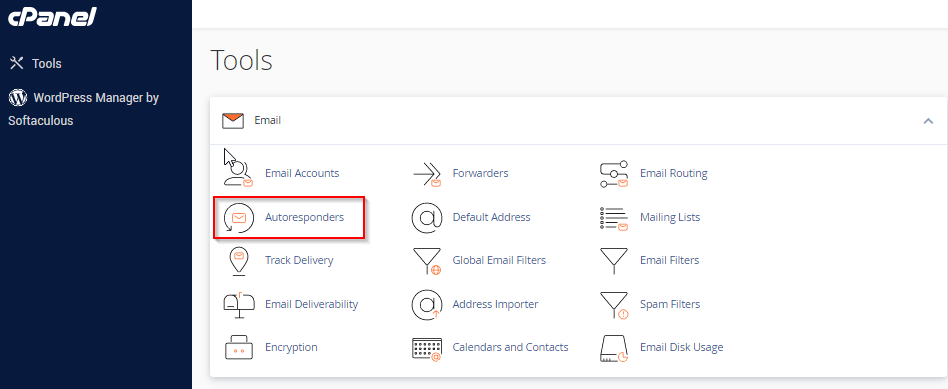
Autoresponder – cPanel
You can add or modify Autoresponders for your email accounts through this interface. You can configure an email to send an automated…
-
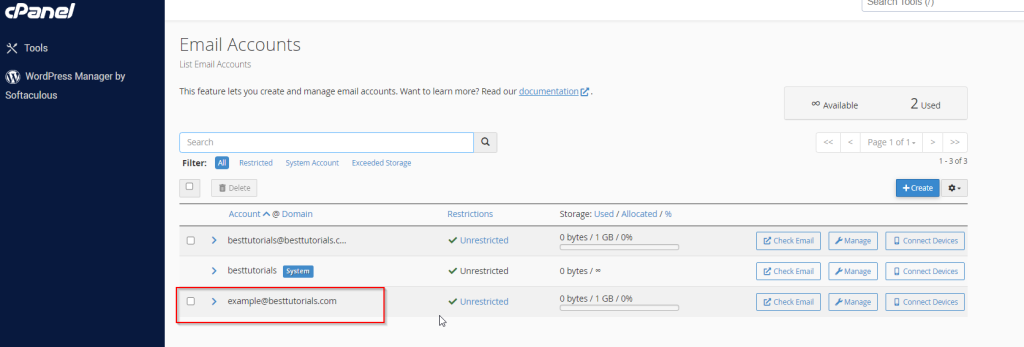
Email Accounts – cPanel
You can create and manage email accounts of your domain through this interface. You can Create email address, configure your mail client,…
-
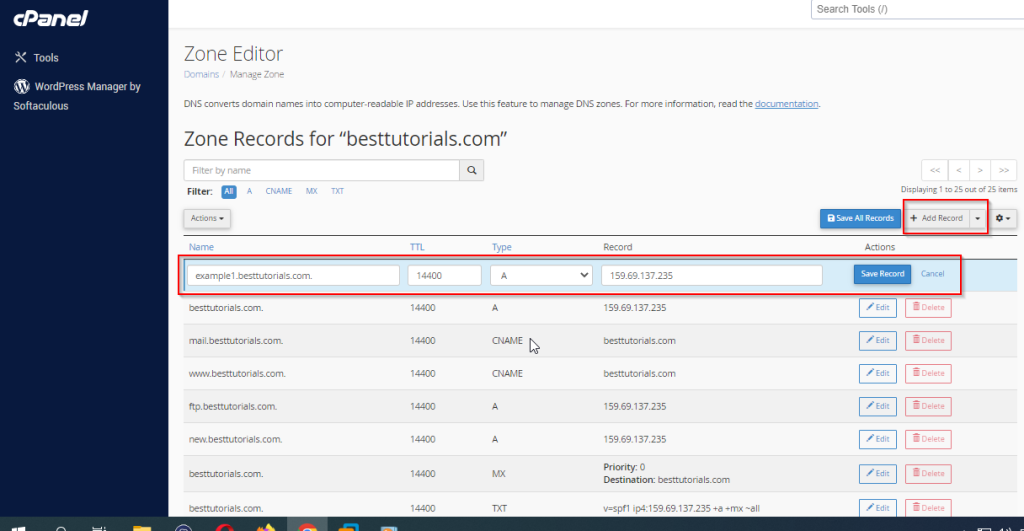
Zone Editor – cPanel
DNS (Domain Name System) is a very essential part of Internet System. It simply maps a FQDN (Full Qualified Domain Name), which…
-
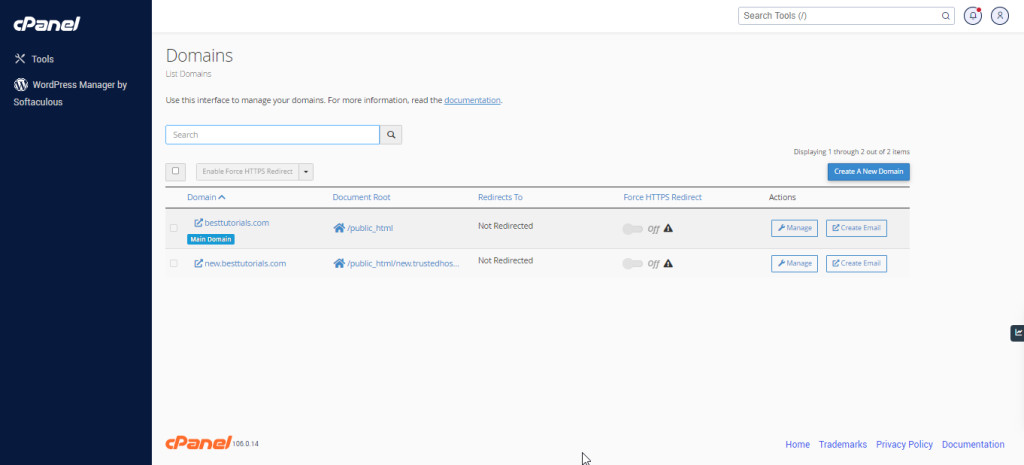
Addon Domains – cPanel
Log into cPanel on the account to add the domain on. Click "Domains" under the "Domains" section. Click the "Create A New…
-
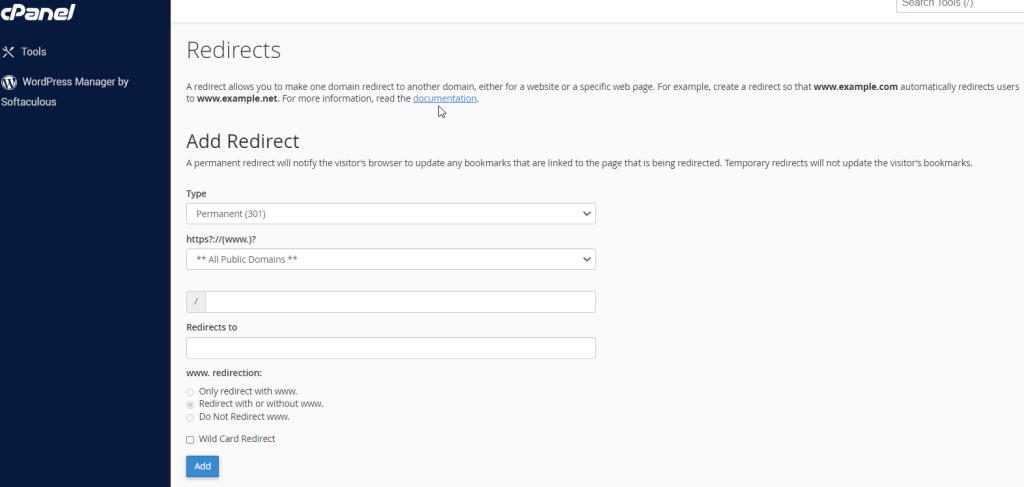
Redirect – cPanel
The redirect interface allows you to send all the visitors or traffic of a Domain or a particular webpage to a new…