cPanel Complete Tutorials
Raw Access – cPanel
Raw Access Logs allow you to see who has visited your website without displaying graphs, charts, or other graphics. You can use the Raw Access Logs menu to download a zipped version of the…
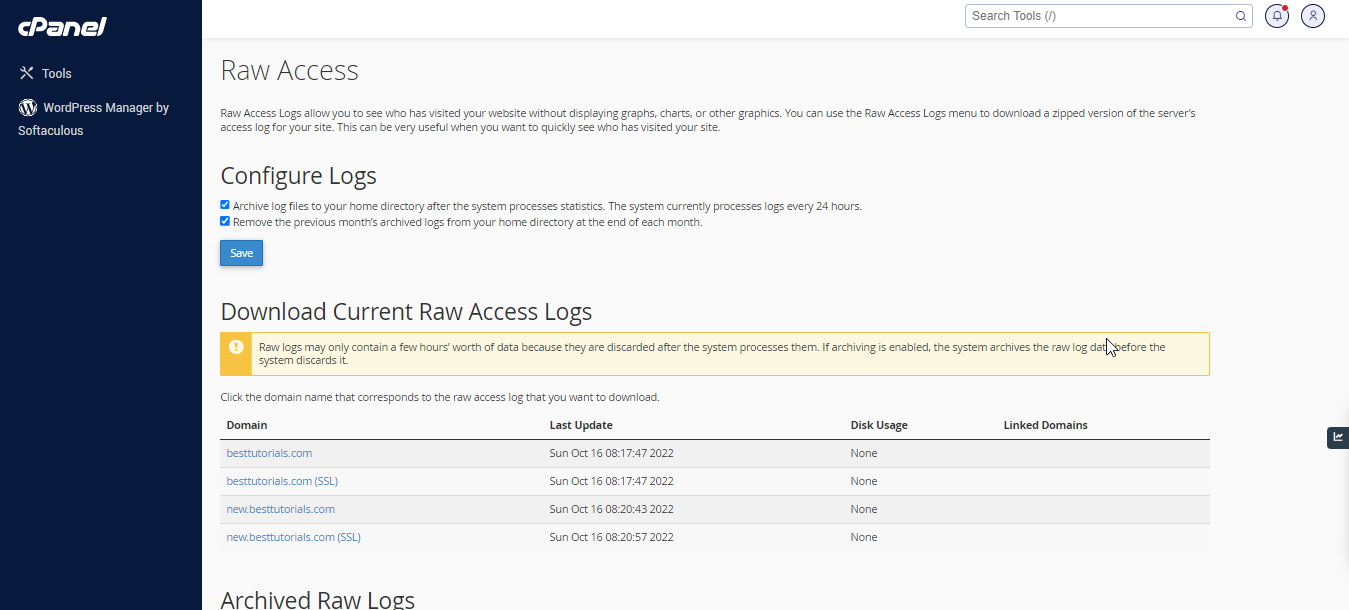
Raw Access Logs allow you to see who has visited your website without displaying graphs, charts, or other graphics. You can use the Raw Access Logs menu to download a zipped version of the server’s access log for your site. This can be very useful when you want to quickly see who has visited your site.

Here is the Raw Access interface of domain listing −

Here, the management of Raw Logs takes place. The archieved logs are available for downloads. You can also configure to remove or archive the raw logs for domains.
Related Articles