All Articles
More Web Hosting & Server Guides
-
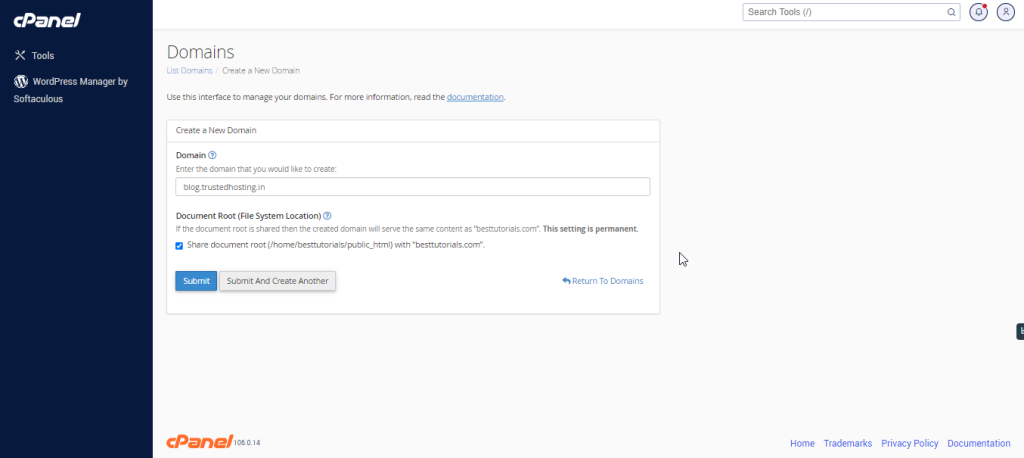
cPanel -Subdomains
Log into cPanel on the account to add the subdomain on. Click "Domains" under the "Domains" section. Click the "Create A…
-
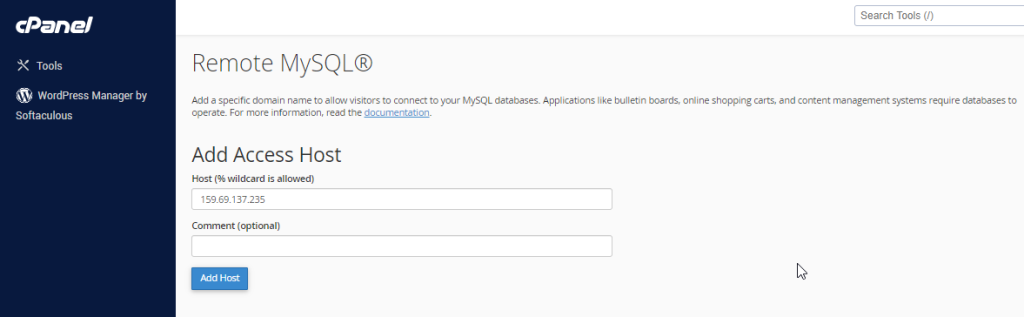
cPanel – MYSQL Databases
This feature of cPanel allows remote servers or web application to access a database hosted on your account. If a server or…
-
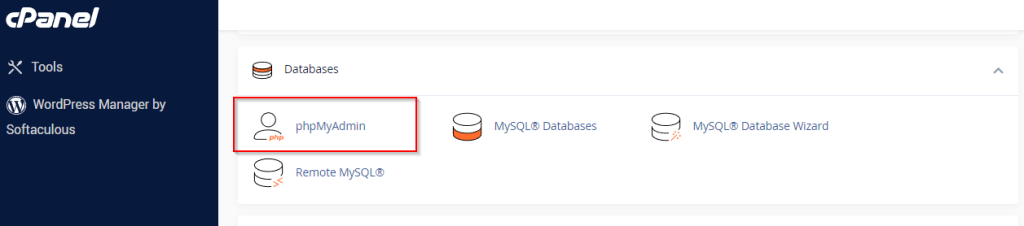
phpMyAdmin – cPanel
The phpMyAdmin is a third-party tool to manage tables and data inside a database. It is graphical user interface to manage MySQL…
-
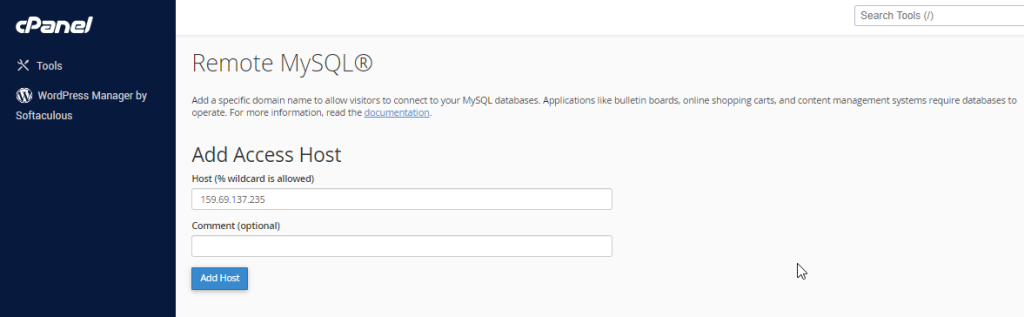
cPanel – Remote MySQL
This feature of cPanel allows remote servers or web application to access a database hosted on your account. If a server or…
-
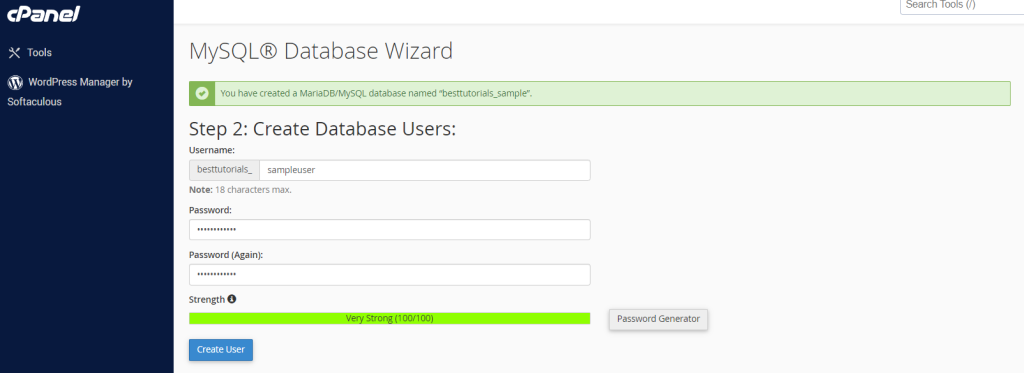
My SQL Database Wizard -cPanel
MySQL Database Wizard is a step by step process to create a MySQL database and user and finally adding the user to…
-
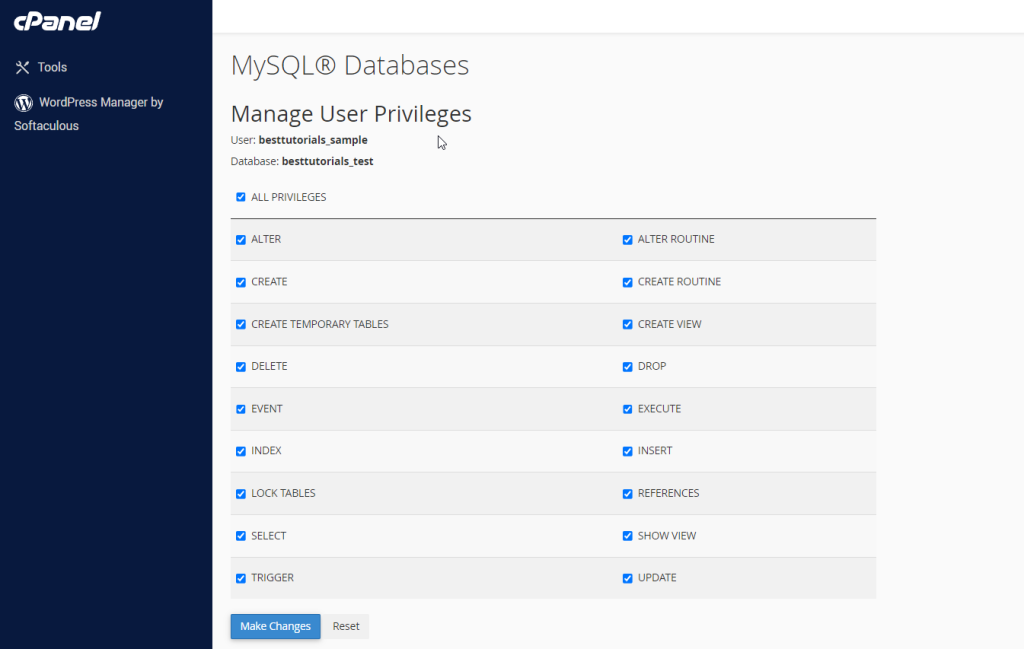
My SQL Databases – cPanel
MySQL is the most popular Open Source SQL Database management system. To manage a huge volume of data efficiently, we store the…
-
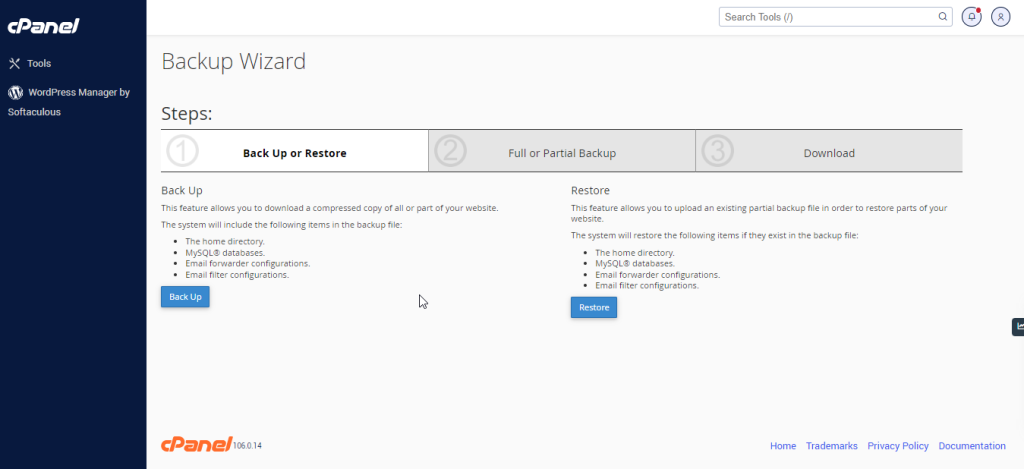
Backup Wizard – cPanel
You can use cPanel Backup Wizard to Backup and Restore your cPanel website step by step. cPanel Backup wizard is created for…
-
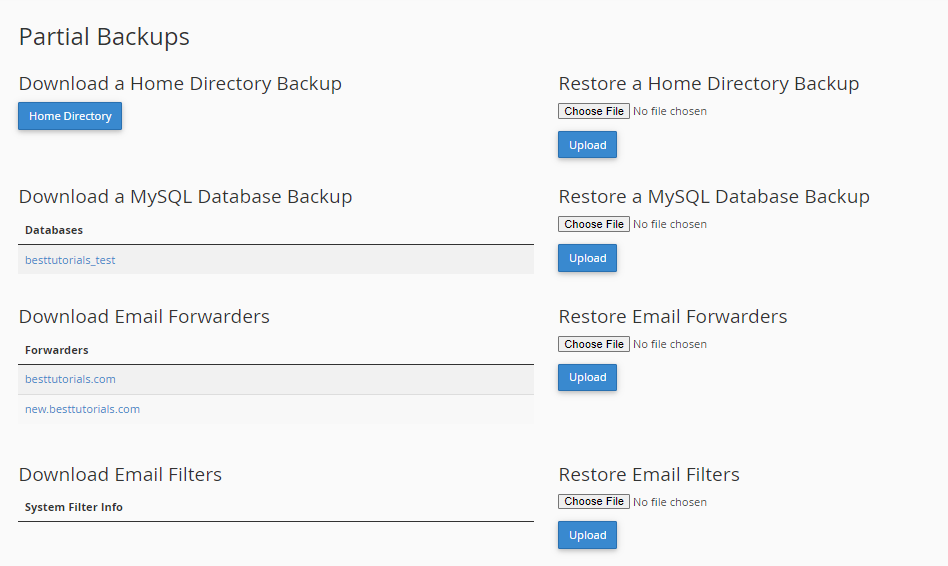
Backup – cPanel
This feature of cPanel is very useful for your website. We can use backup feature for transferring our website to the new…
-
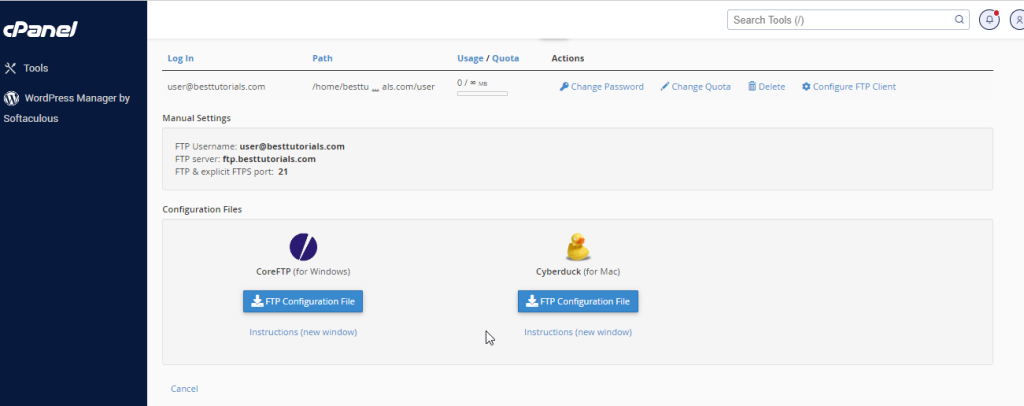
FTP Accounts – cPanel
File Transfer Protocol (FTP) allows you to manage your files with third party applications like FileZilla, CoreFTP, etc. Using a FTP file…
-
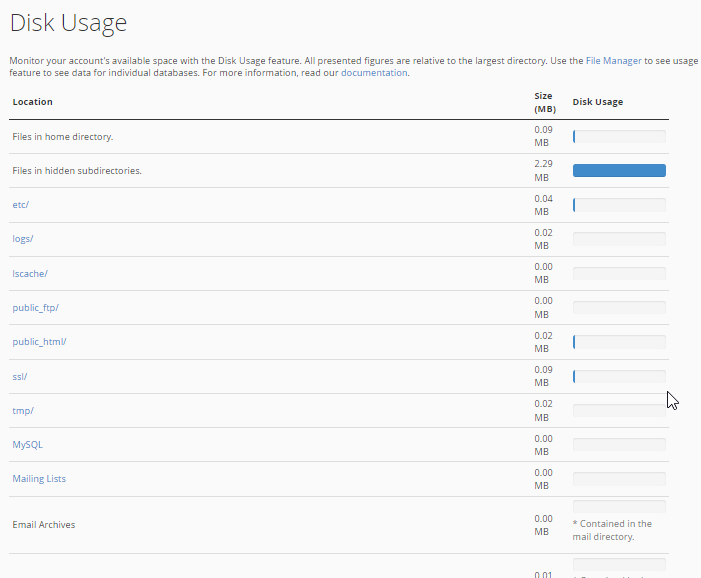
Disk Usage – cPanel
cPanel Disk Usage is a very efficient way to monitor your accounts available and use disk spaces. This feature scans your disk…
-
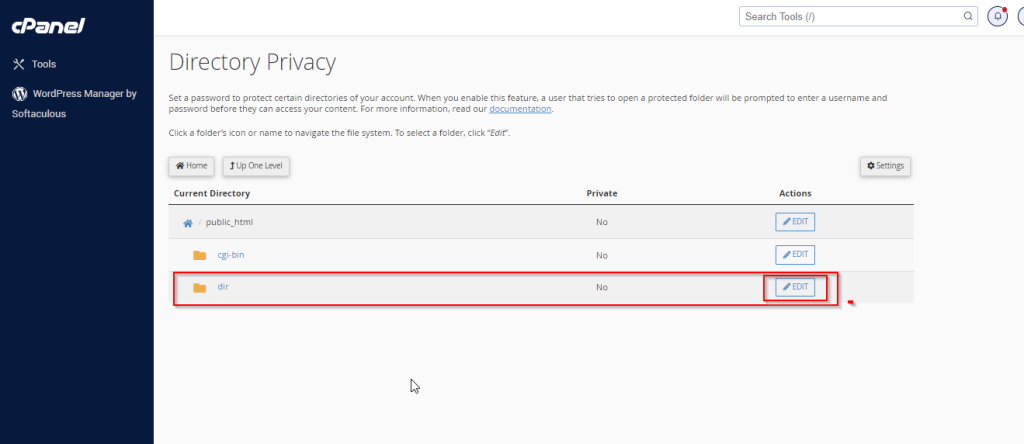
Directory Privacy – cPanel
This feature of cPanel allows us to protect certain directories with a username and password. If a directory is protected by this,…
-
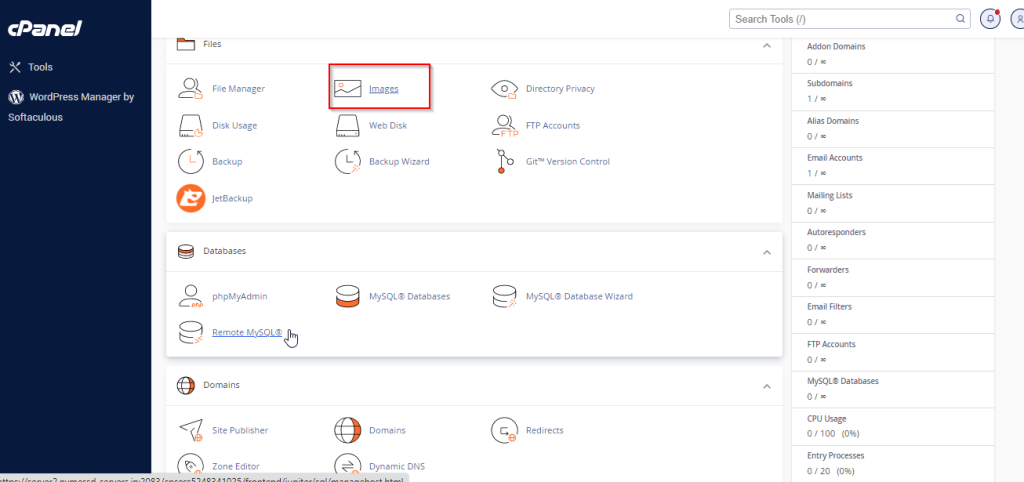
cPanel – Images
With this feature of cPanel, you can manage and modify your Images directly through its Interface. The image must be uploaded into…
-
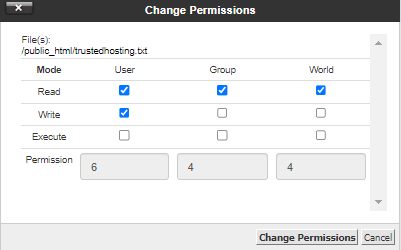
File Permissions – cPanel
All files and directories in Linux Operating System has access permissions. This feature gives the ability to the user for setting up…
-
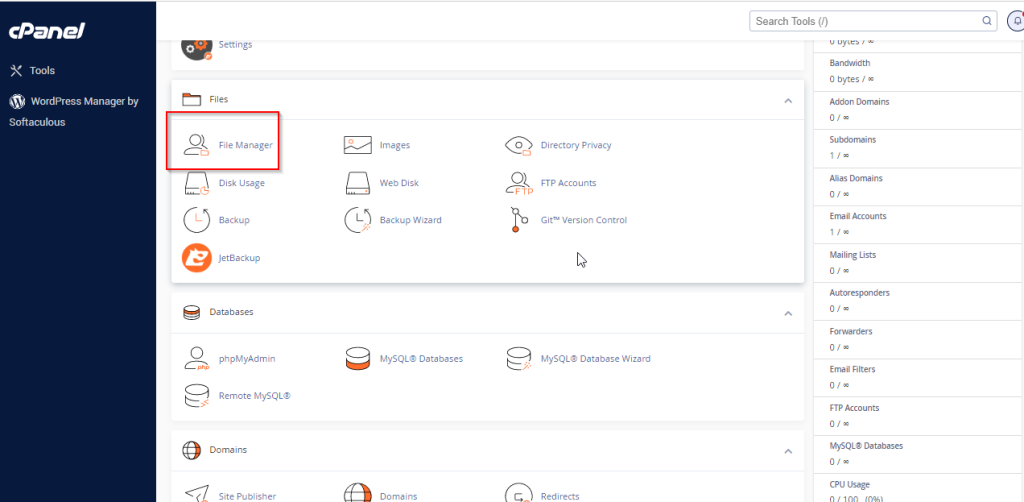
File Manager – cPanel
cPanel File Manager gives you useful options to quickly manage your files within the cPanel interface. It’s easy to use and it…
-
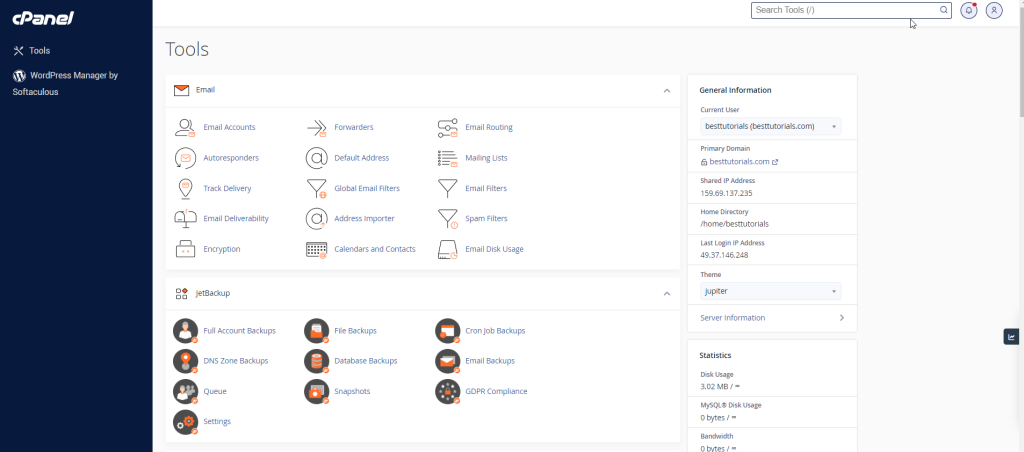
User Manager – Cpanel
This is a new feature introduced in the latest edition of cPanel. Through this user manager section, you can control all the…
-
Home – cPanel
Once you are logged into cPanel dashboard, you will see that it has so many options. In this chapter, you will find…
-
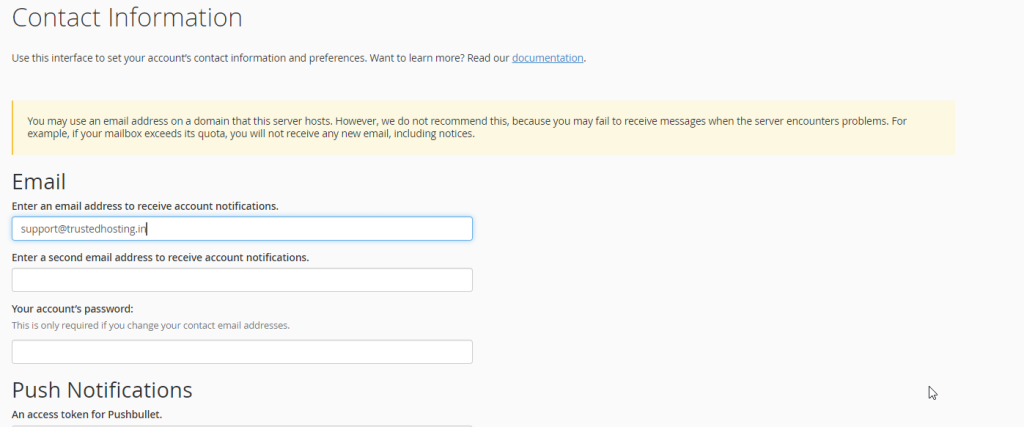
Contact Preference / informations – Cpanel
In this interface of cPanel, you are allowed to change the system email address. It is the email address on which the…
-
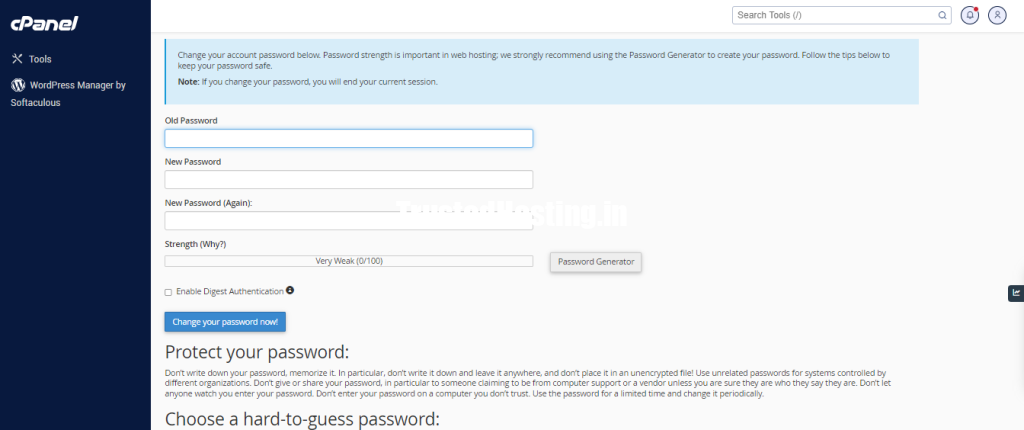
Changing Password – Cpanel
When you are successfully logged into a cPanel Dashboard, first and foremost, change the password of your cPanel account. This is very…