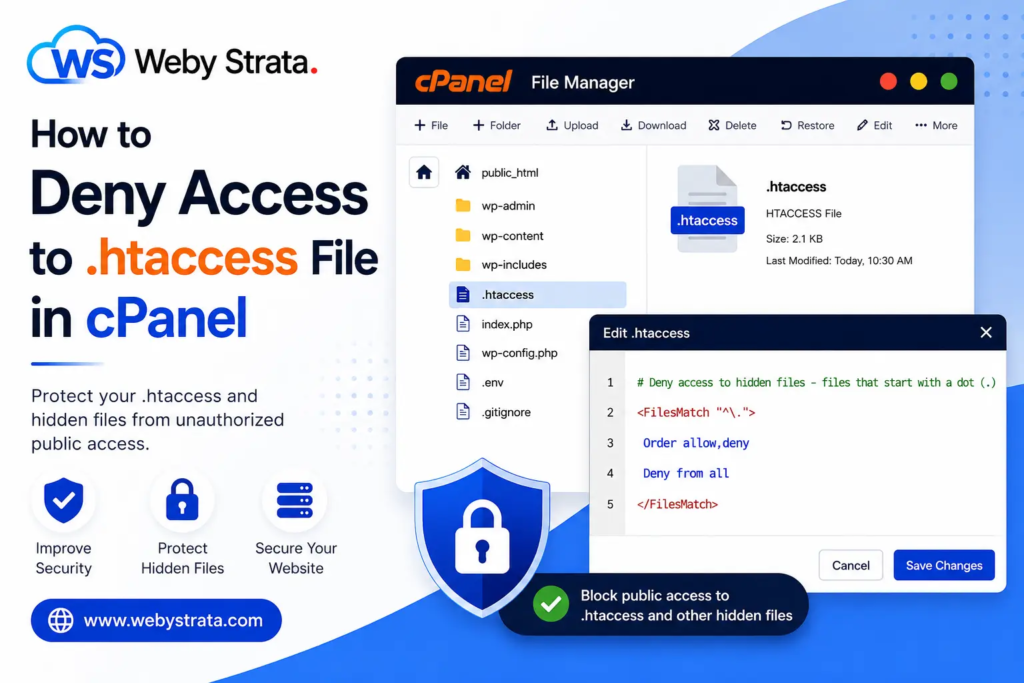
How to Deny Access to .htaccess File in cPanel
Steps to Deny Access to the .htaccess File 1. Log in to Your cPanel Account Access your cPanel using your hosting username and password. 2. Open File Manager Go to the FILES section. Click… Read More
Category
Steps to Deny Access to the .htaccess File 1. Log in to Your cPanel Account Access your cPanel using your hosting username and password. 2. Open File Manager Go to the FILES section. Click… Read More
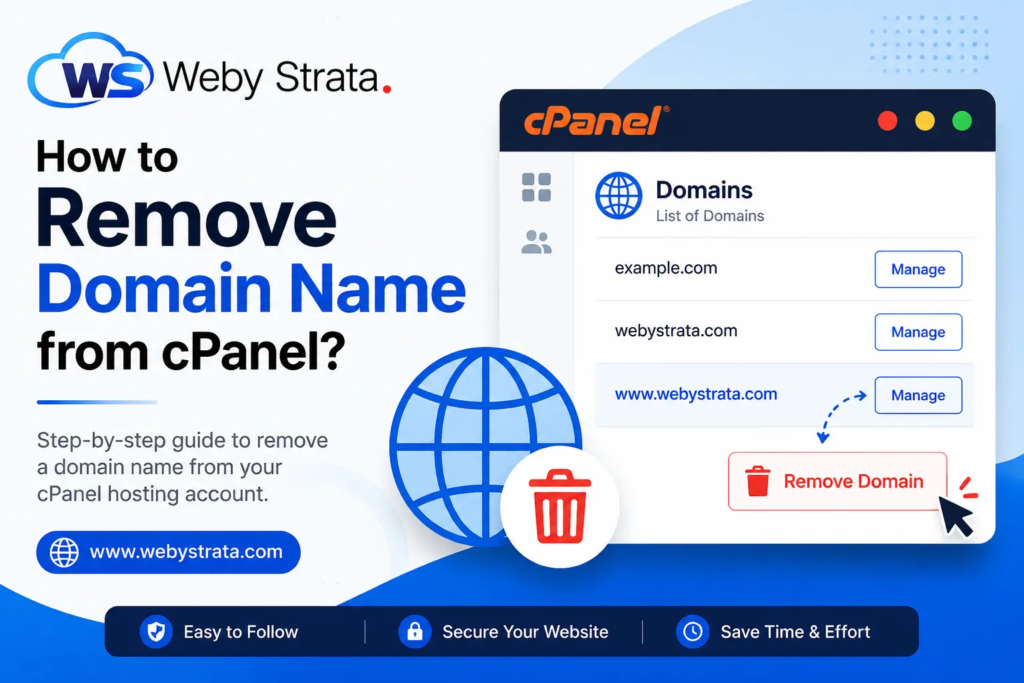
If you no longer want to use a domain name with your hosting account, you can remove it directly from cPanel through the Domains section. Steps to Remove a Domain from cPanel 1. Log… Read More
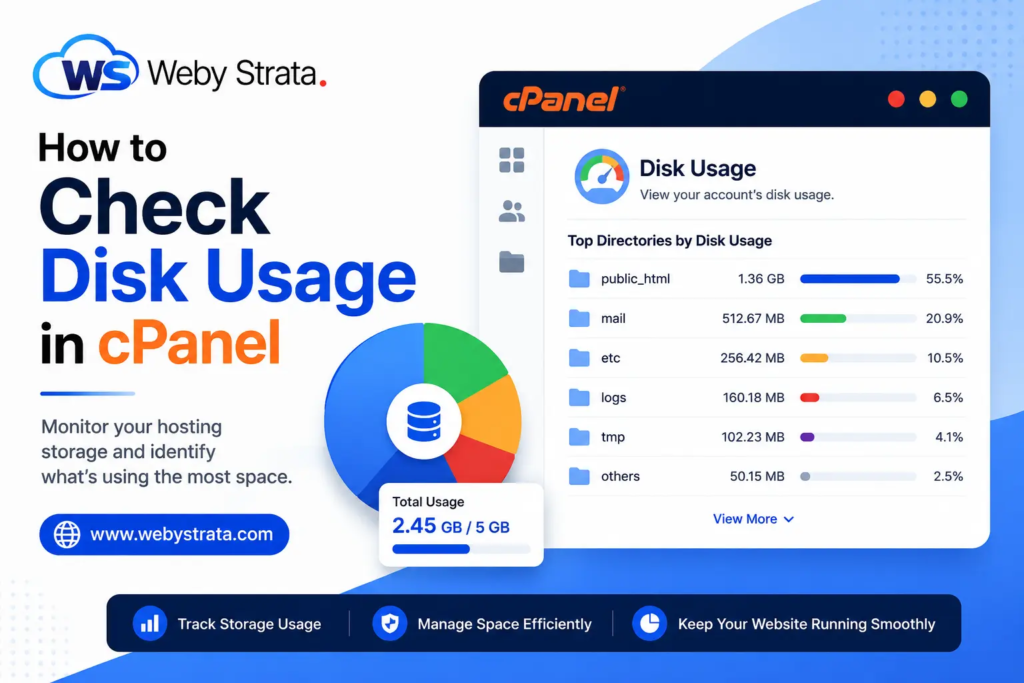
The Disk Usage feature in cPanel provides a detailed overview of the storage space used by your hosting account. It displays disk usage for directories, email accounts, databases, and hidden system folders, helping you… Read More
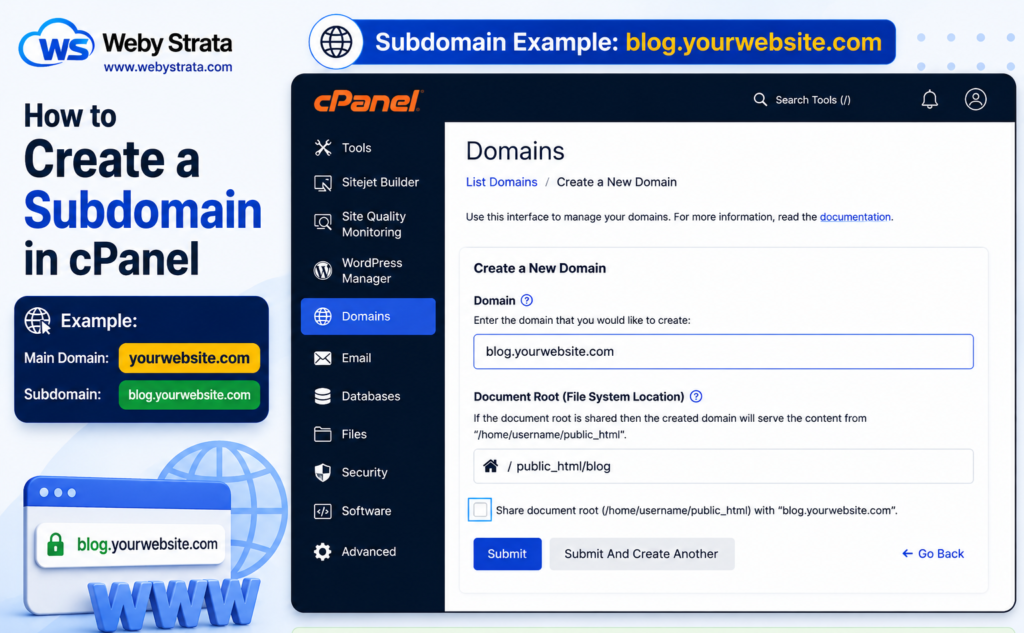
A subdomain is a part of your primary domain that can be used to create separate sections of your website. Subdomains are commonly used for blogs, forums, client portals, support sections, testing environments, and… Read More
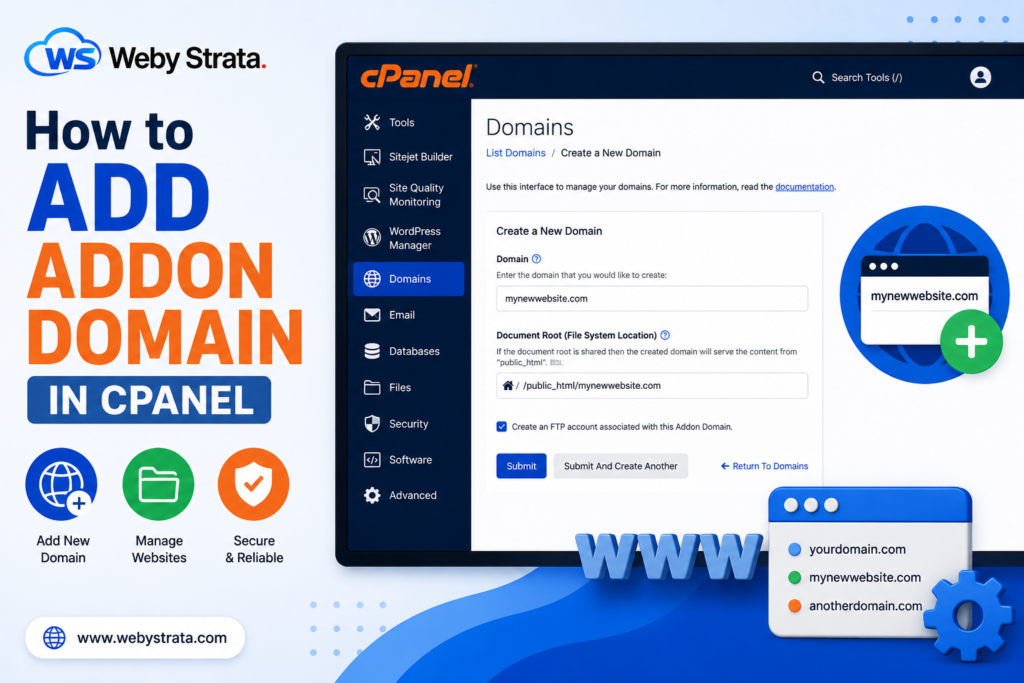
An addon domain allows you to host multiple websites under a single cPanel hosting account. Each addon domain works as a separate website with its own files and content. For example: Main Domain: example.com… Read More
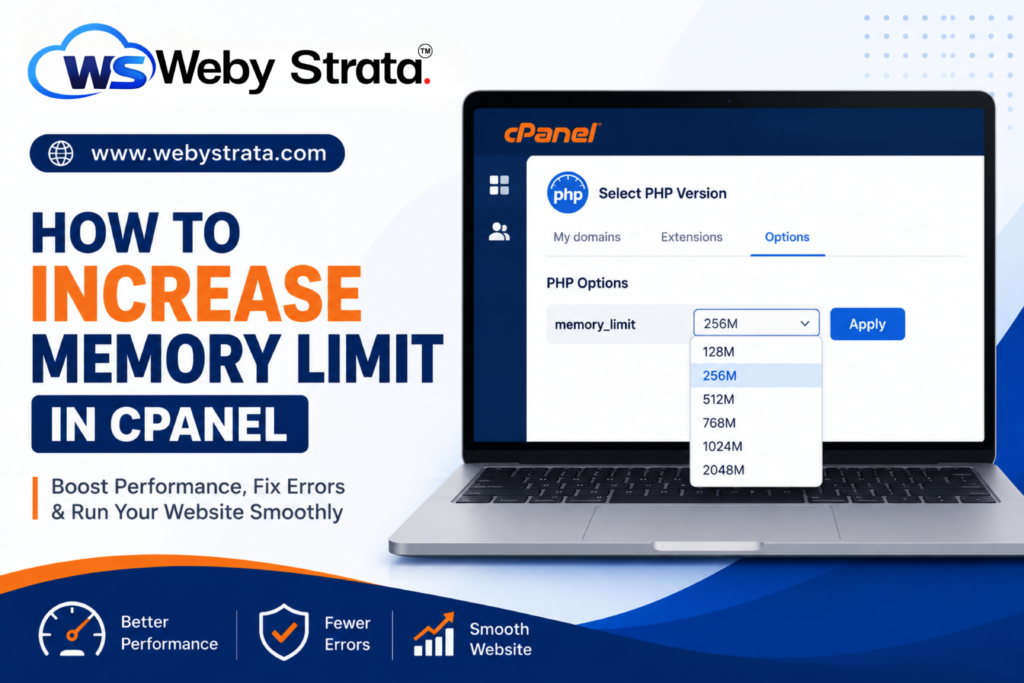
How to Increase PHP Memory Limit in cPanel If your website is showing memory-related errors, loading slowly, or failing to run certain applications properly, you may need to increase the PHP memory limit. Many… Read More