cPanel
How to redirect HTTP to HTTPS Using htaccess
On Your Cpanel Dashboard Go To Filemanager > Public_html Right Click On .httaccess file & click on edit Paste the code & click on save it RewriteEngine On…
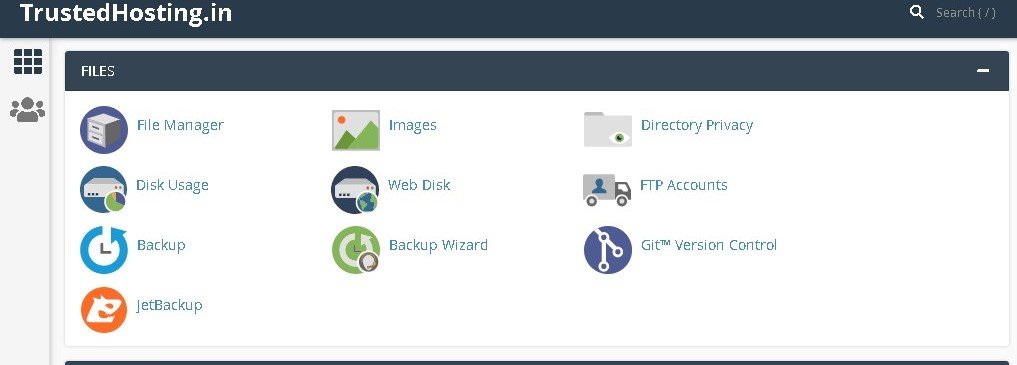
- On Your Cpanel Dashboard Go To Filemanager > Public_html

- Right Click On .httaccess file & click on edit

- Paste the code & click on save it

RewriteEngine On
RewriteCond %{HTTPS} off
RewriteRule ^(.*)$ https://%{HTTP_HOST}%{REQUEST_URI} [L,R=301]
Related Articles