cPanel Complete Tutorials
Visitors – cPanel
This interface of cPanel allows you to view the statics and analytics for your domains. These simple metrics feature helps you to get the idea about your performance and optimize the quality of your…
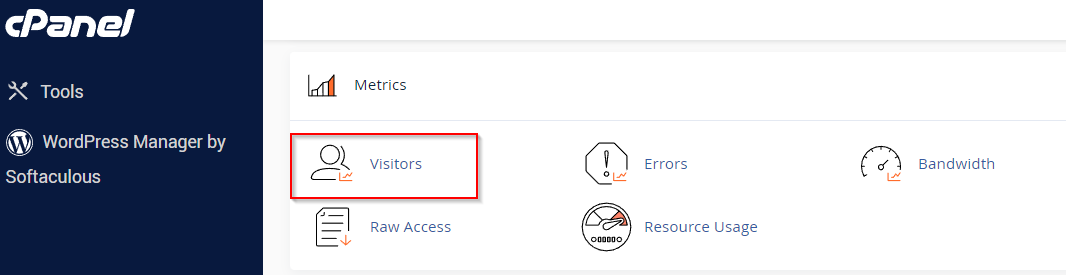
This interface of cPanel allows you to view the statics and analytics for your domains. These simple metrics feature helps you to get the idea about your performance and optimize the quality of your websites.

Step 1 − Click on Visitors icon under Metrics section of cPanel Home. You will see the list of domains available.

Step 2 − For details related to a particular domain, just click View indicated right after the domain name.

Here the obtained table is divided in five columns i.e. IP (Internet Protocol), URL, Time, Size, Referring URL.
IP (Internet Protocol) − The IP address of the visitor network computer.
URL − It refers to the full URL of the page content.
Timestamp − The date and time when the user visits the particular URL.
Size − The bytes consumed by the user for loading the URL content.
Related Articles