WHMCS
How to Set Up Application Links with cPanel
How to Set Up Application Links with cPanel Application Links allows customers to seamlessly transition from cPanel to WHMCS using Single Sign-On technology. In WHMCS 8.8 and higher, you can also used Application Links…

How to Set Up Application Links with cPanel
Application Links allows customers to seamlessly transition from cPanel to WHMCS using Single Sign-On technology.
In WHMCS 8.8 and higher, you can also used Application Links with WP Squared servers.
Set Up Application Links
To activate it, begin by navigating to Configuration > System Settings > Application Links.
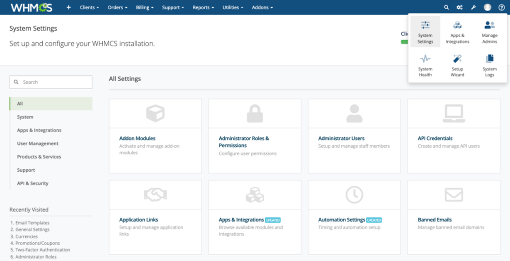
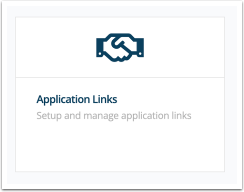
This interface displays all of your applications that are currently using Application Links. If the feature is not already enabled, toggle the switch for cPanel to ON.
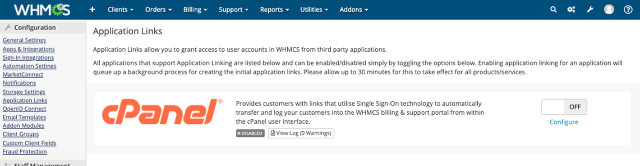
Enabling this requires communication with your cPanel & WHM server and may take any several minutes.
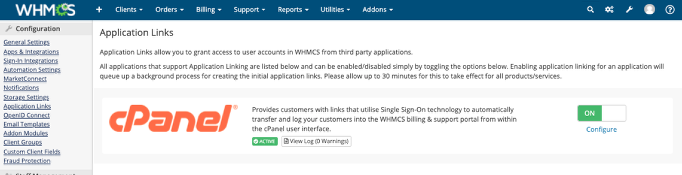
When it finishes, you will see a green ACTIVE indicator.
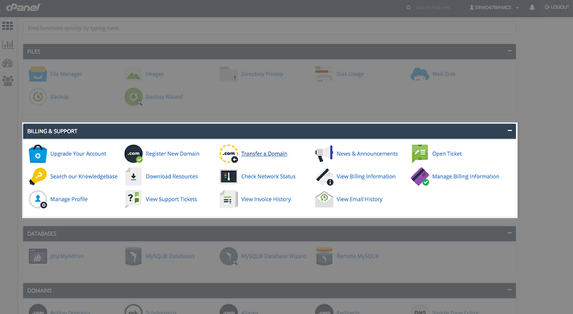
When this is enabled, all of your customers on cPanel accounts will see these links.
Related Articles