WHMCS
How to Sell MarketConnect Products in WHMCS
How to Sell MarketConnect Products in WHMCS You can use MarketConnect to resell products and services to your customers via your WHMCS installation. MarketConnect automatically sets up and configures these products and populates…
How to Sell MarketConnect Products in WHMCS
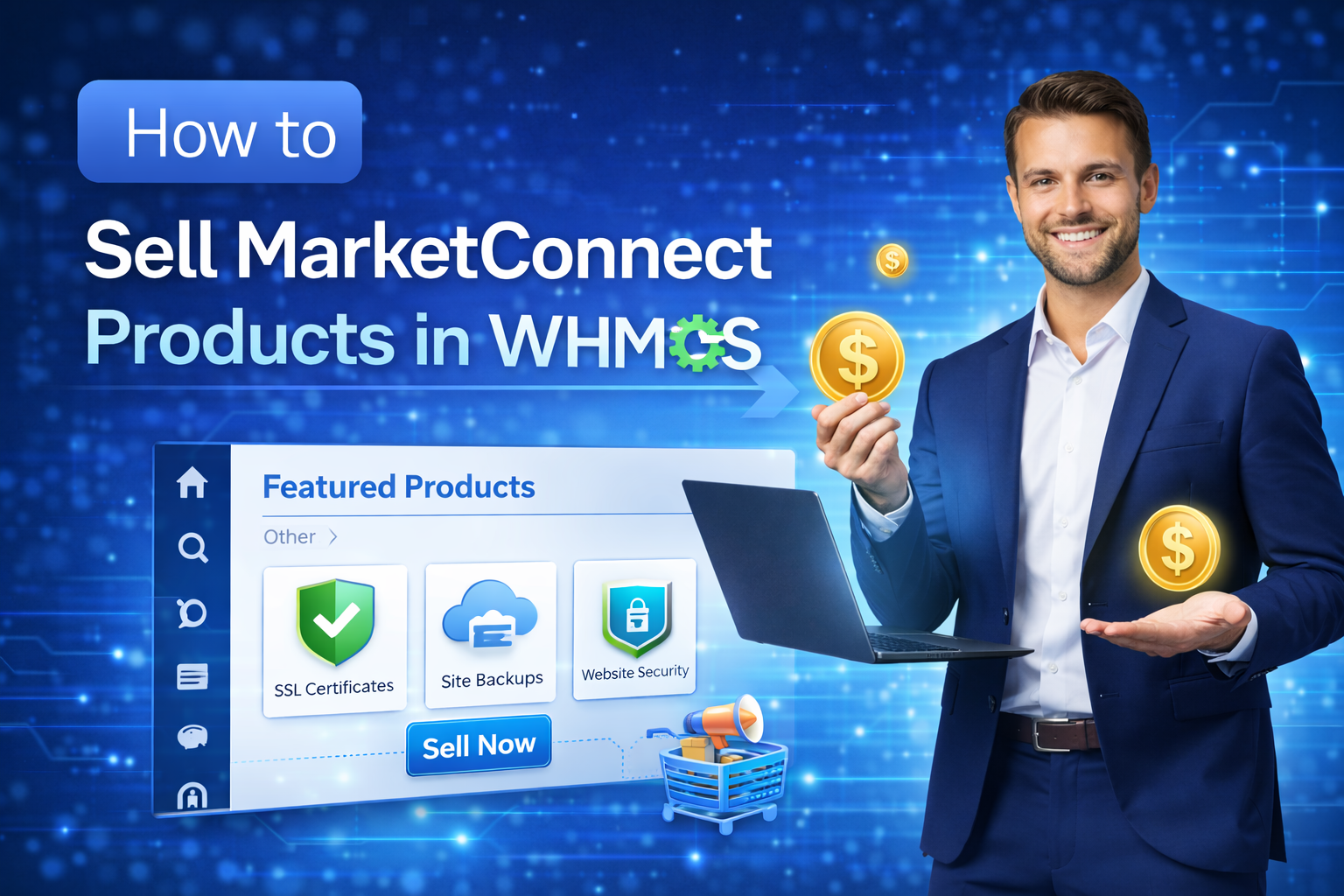
You can use MarketConnect to resell products and services to your customers via your WHMCS installation. MarketConnect automatically sets up and configures these products and populates the Client Area with merchandising content and upsell recommendations.
Before you can sell individual MarketConnect products, you must activate MarketConnect for your WHMCS installation. For steps and more information, see Activating MarketConnect in WHMCS.
Activating a MarketConnect Product
To activate and begin selling a MarketConnect service:
1. Go to Configuration > System Settings > MarketConnect or, prior to WHMCS 8.0, Setup > MarketConnect.
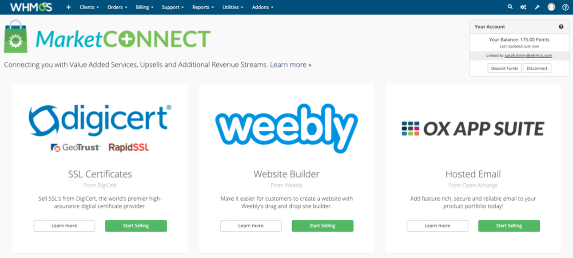
2. Click Start Selling or click Learn more and then click Activate. A new window will appear.
3. Click Activate Now to activate and begin selling the service or click Advanced Mode to enter advanced setup mode.
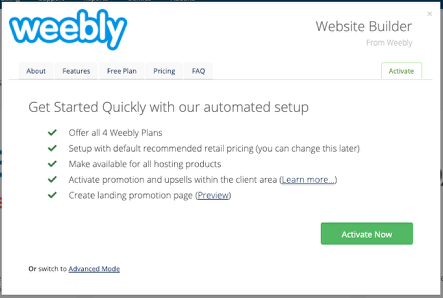
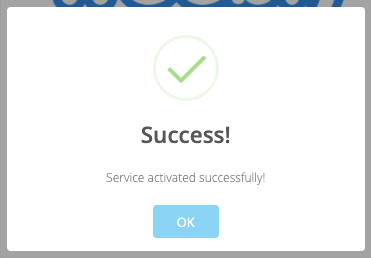
The setup process can take up to 30 seconds. When setup finishes, you will see a confirmation message:
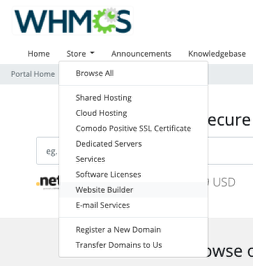
In the Client Area, you will see a link to the new service in the Store menu.
Related Articles