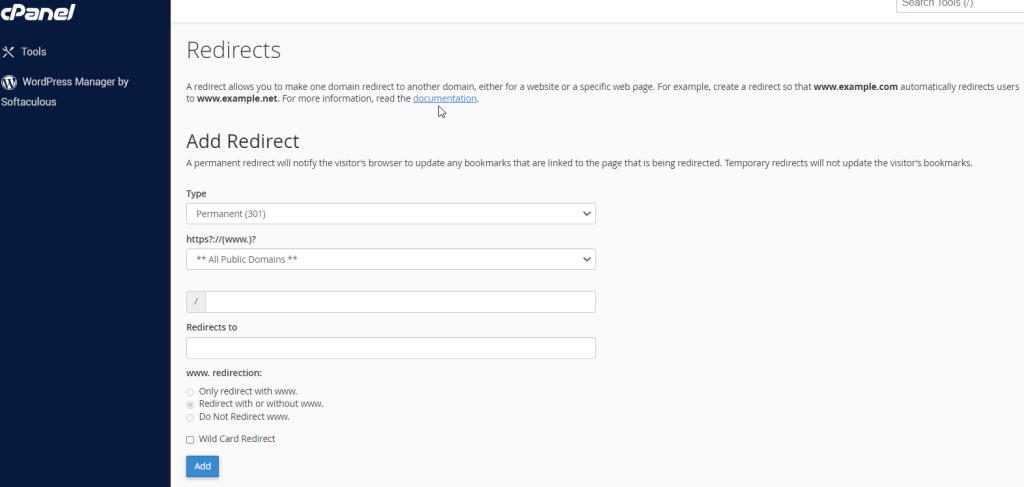
Redirect – cPanel
The redirect interface allows you to send all the visitors or traffic of a Domain or a particular webpage to a new domain. For example, if you moved your website to a new domain… Read More
Category
The redirect interface allows you to send all the visitors or traffic of a Domain or a particular webpage to a new domain. For example, if you moved your website to a new domain… Read More
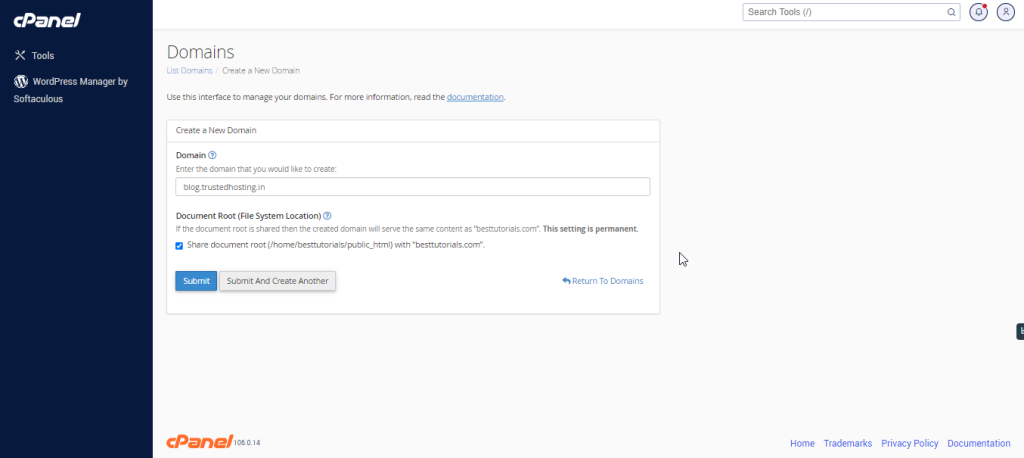
Log into cPanel on the account to add the subdomain on. Click "Domains" under the "Domains" section. Click the "Create A New Domain" button. Enter the subdomain name to add in the "Domain"… Read More
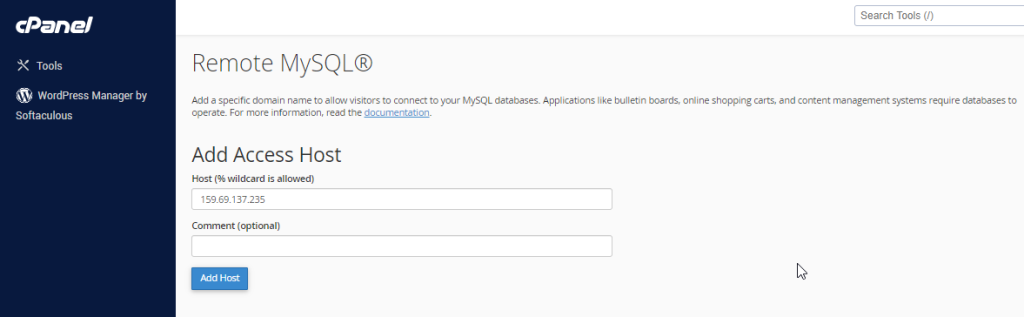
This feature of cPanel allows remote servers or web application to access a database hosted on your account. If a server or web application tries to access the database on your account, which is… Read More
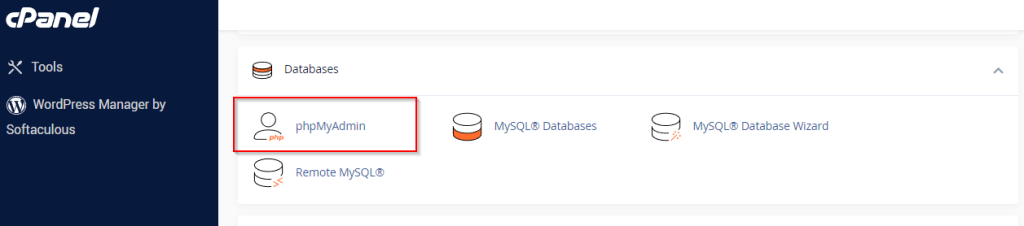
The phpMyAdmin is a third-party tool to manage tables and data inside a database. It is graphical user interface to manage MySQL databases. You can manually create Tables, Import and Export data or edit… Read More
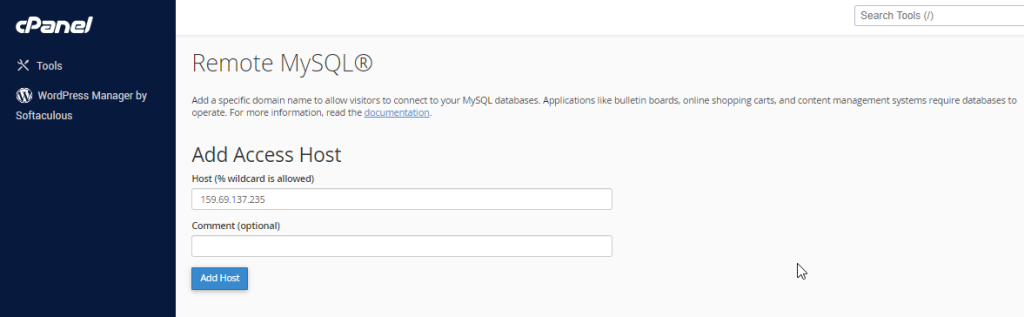
This feature of cPanel allows remote servers or web application to access a database hosted on your account. If a server or web application tries to access the database on your account, which is… Read More
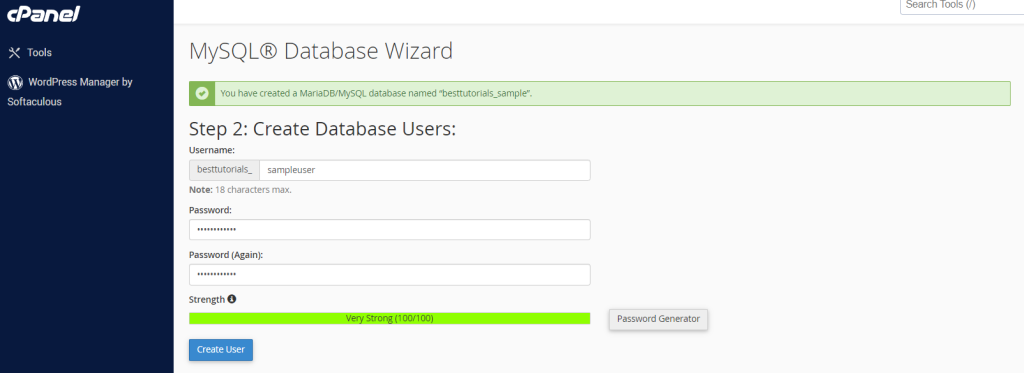
MySQL Database Wizard is a step by step process to create a MySQL database and user and finally adding the user to access the database. To use this interface, we will need to open… Read More