cPanel
How To Set Up cPanel File Manager: Creating a New File or New Folder..?
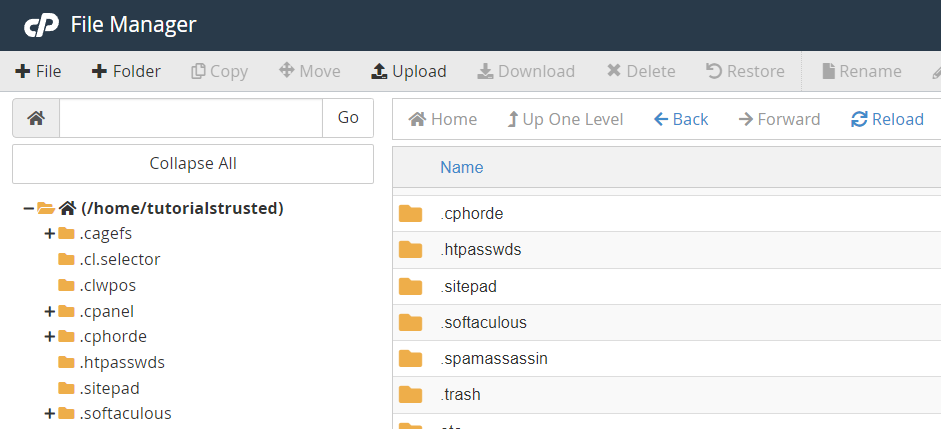
Set Up: cPanel File Manager: Creating a New File or New Folder 1. Click +File or +Folder in the File Manager toolbar. A new window will appear. 2. Enter the new file or folder’s name in the New…
Set Up: cPanel File Manager: Creating a New File or New Folder
1. Click +File or +Folder in the File Manager toolbar. A new window will appear.
2. Enter the new file or folder’s name in the New File Name: or New Folder Name: text box.

3. In the New file will be created in: or New folder will be created in: text box, enter the location in which File Manager will save the new file or folder.

4. Click Create New File or Create New Folder to complete the action.
Related Articles