cPanel
How to change php version using MultiPHP Manager
On your cPanel dashboard go to Multiphp Manger Mark the domain / subdomain name Select the PHP Version & Click on Apply Done
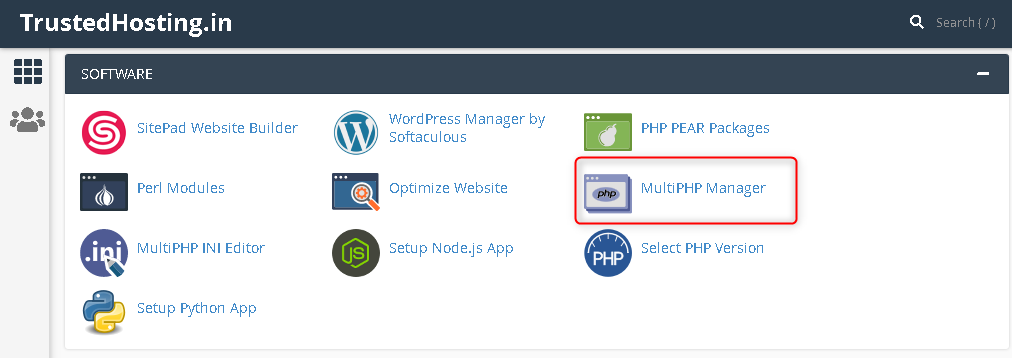
- On your cPanel dashboard go to Multiphp Manger

- Mark the domain / subdomain name

- Select the PHP Version & Click on Apply
- Done
Related Articles