cPanel
How to Deny Access to .htaccess File in cPanel
Steps to Deny Access to the .htaccess File 1. Log in to Your cPanel Account Access your cPanel using your hosting username and password. 2. Open File Manager Go to the FILES section. Click…
Steps to Deny Access to the .htaccess File
1. Log in to Your cPanel Account
Access your cPanel using your hosting username and password.
2. Open File Manager
- Go to the FILES section.
- Click on File Manager.
- Locate your website’s
.htaccessfile.
Make sure hidden files (dotfiles) are enabled in File Manager settings.
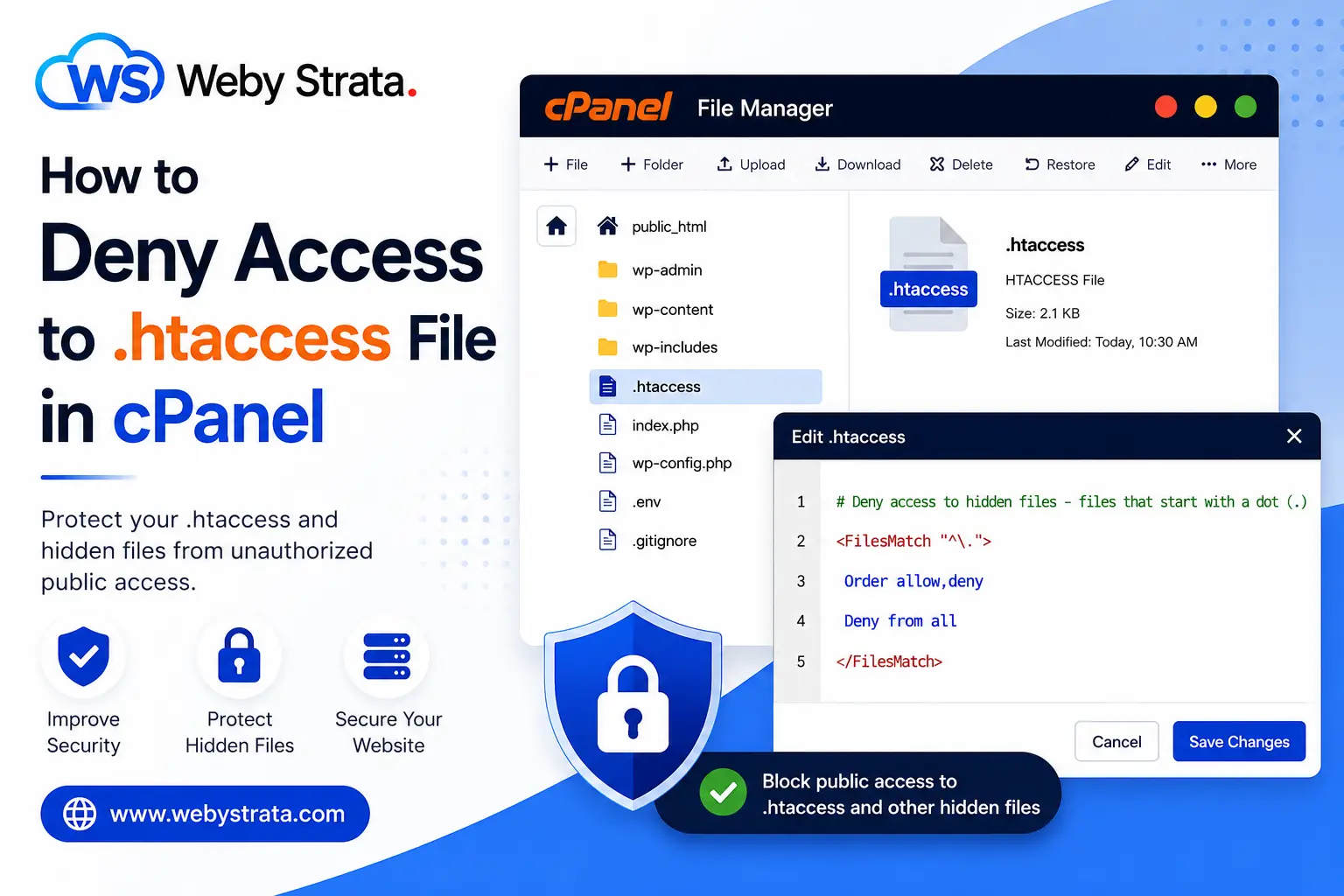
3. Edit the .htaccess File
- Right-click the
.htaccessfile. - Click Edit.
Add the following code at the end of the file:
# Deny access to hidden files – files that start with a dot (.)
<FilesMatch “^\.”>
Order allow,deny
Deny from all
</FilesMatch>

4. Save Changes
- Click Save Changes
- Close the editor
Your hidden files will now be protected from unauthorized public access.
Originally published on WebyStrata.com Blog.
Related Articles