cPanel
How to Remove a Domain Name from cPanel
If you no longer want to use a domain name with your hosting account, you can remove it directly from cPanel through the Domains section. Steps to Remove a Domain from cPanel 1. Log…
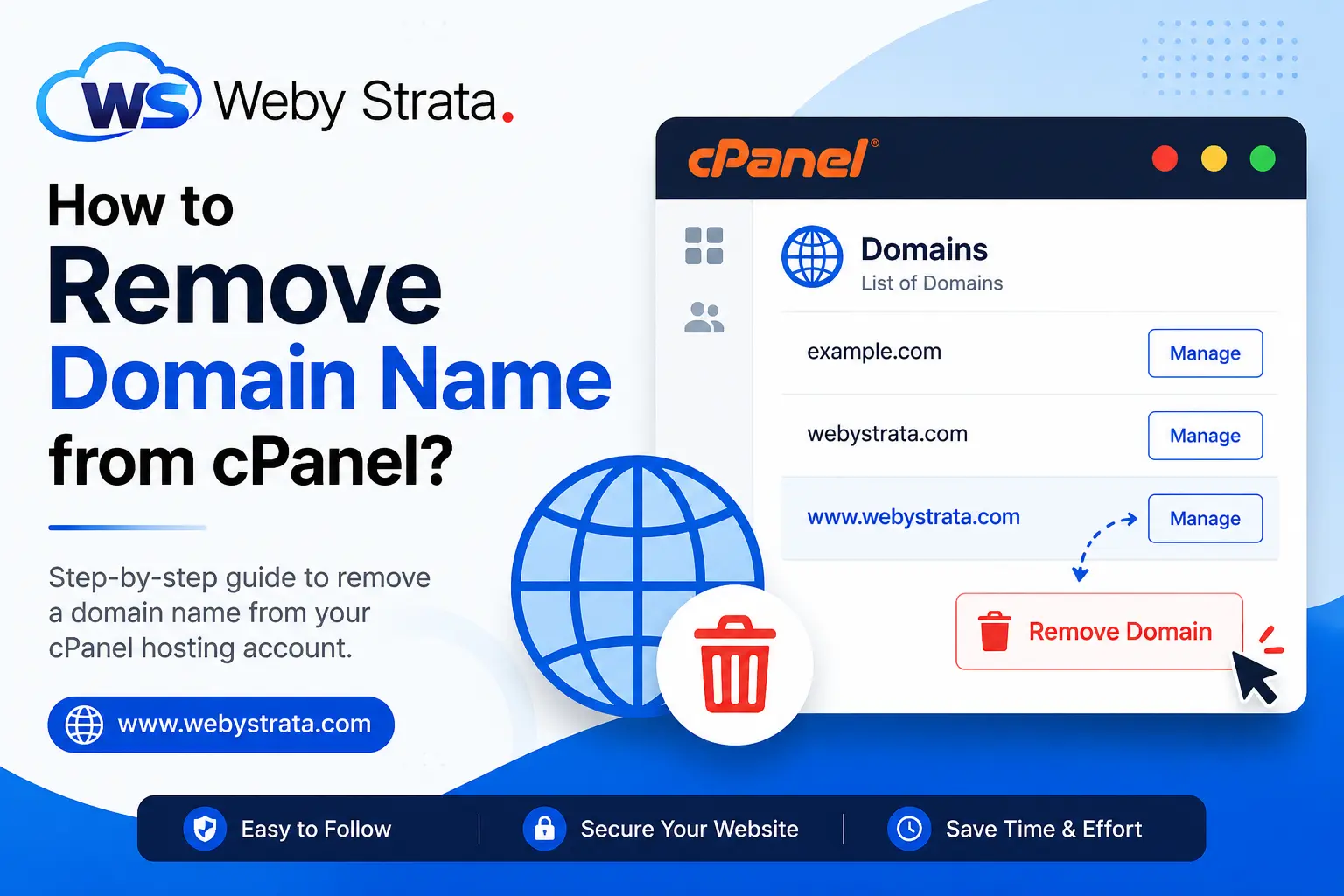
If you no longer want to use a domain name with your hosting account, you can remove it directly from cPanel through the Domains section.
Steps to Remove a Domain from cPanel
1. Log in to Your cPanel Account
Access your cPanel using your hosting username and password.
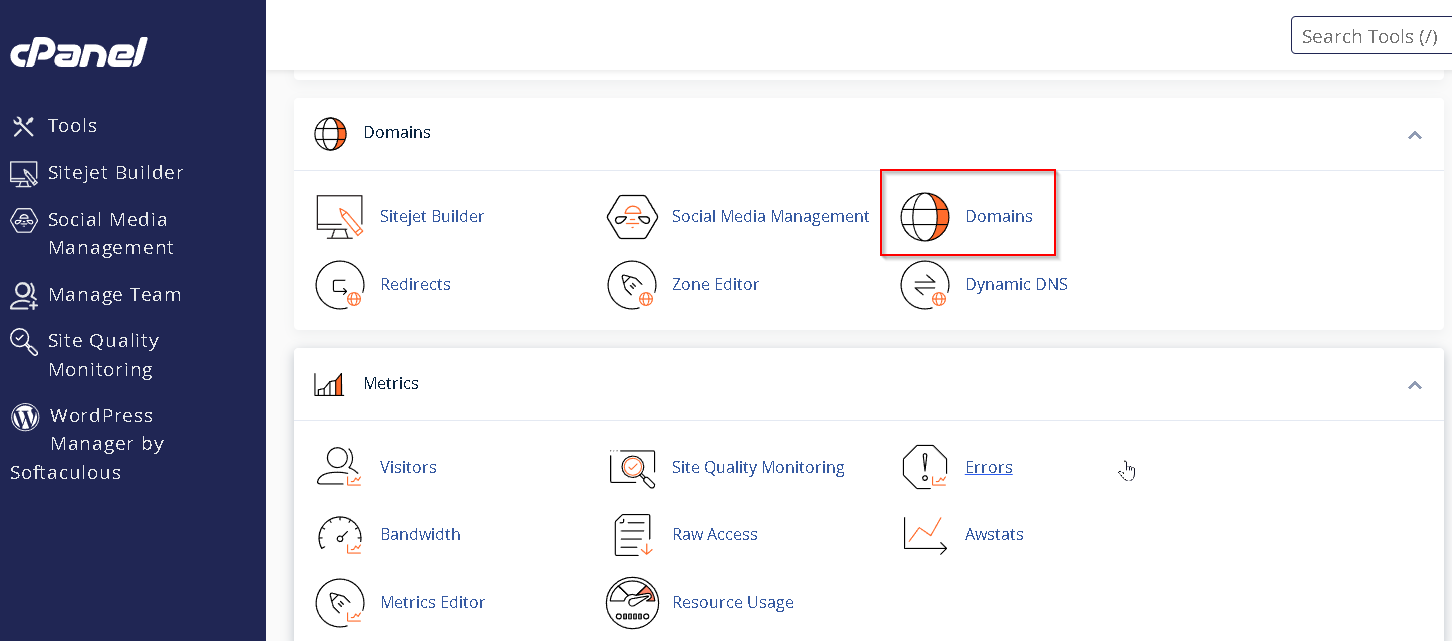
2. Open the Domains Section
- In cPanel, go to the Domains section.
- Click on Domains.
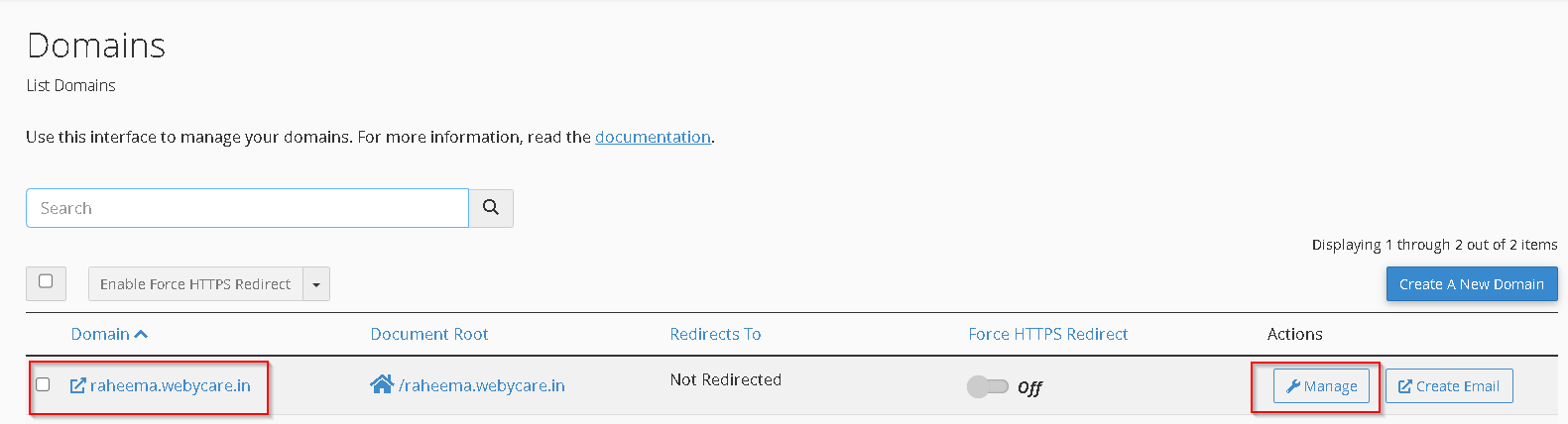
You will see a list of all domains connected to your hosting account.
3. Manage the Domain
- Locate the domain you want to remove.
- Click on Manage next to the selected domain.
This will open the domain management settings.
4. Remove the Domain
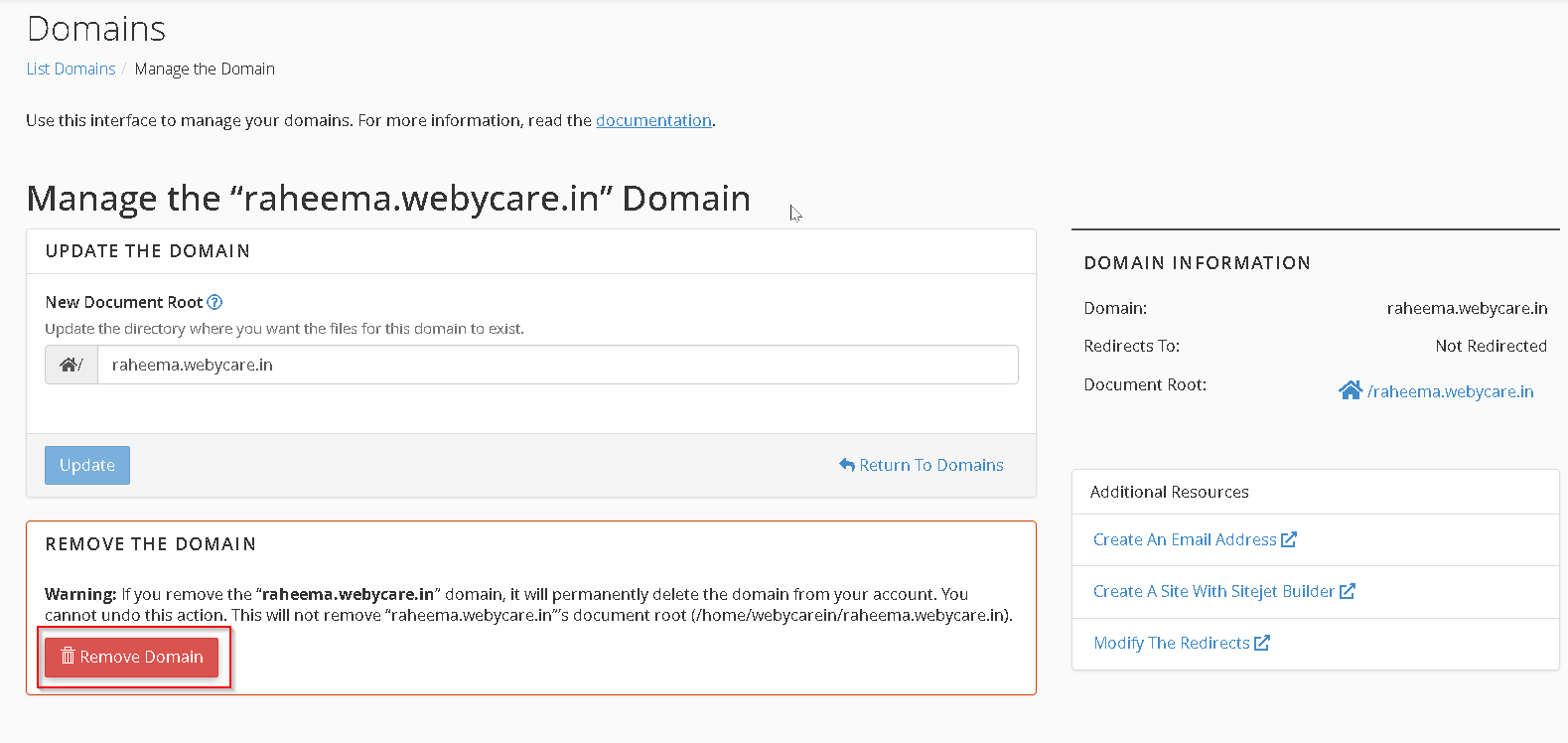
- Click on the Remove Domain option.
- Confirm the removal when prompted.
The selected domain will now be removed from your hosting account.
Originally published on WebyStrata.com Blog.
Related Articles