WHMCS
How to Set Up Product Group Features
How to Set Up Product Group Features For some order form templates, you can configure product group features display details that relate to all of the products within the group. Configure Product Group Features To configure…

How to Set Up Product Group Features
For some order form templates, you can configure product group features display details that relate to all of the products within the group.
Configure Product Group Features
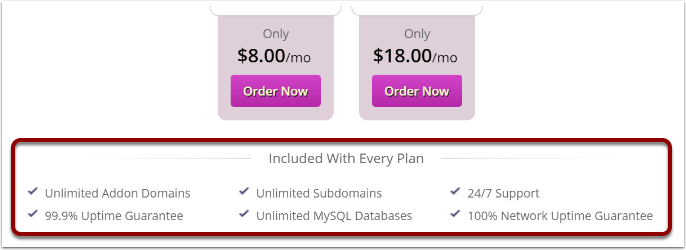
To configure the features for a product group:
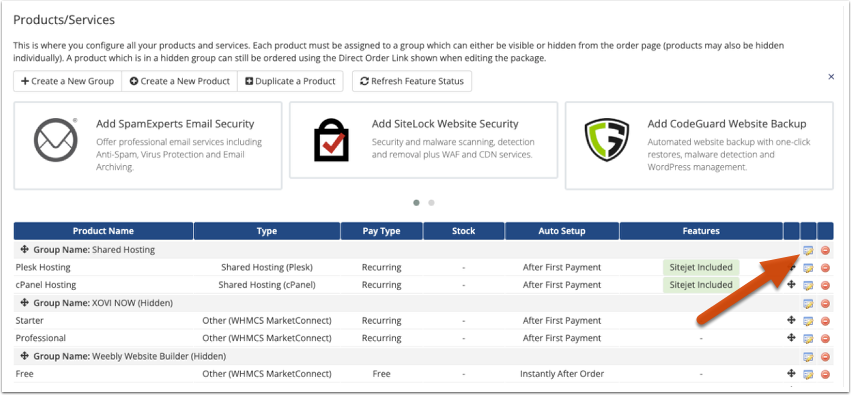
1. Go to Configuration > System Settings > Products/Services (Setup > Products/Services > Products/Services in WHMCS 7.10 and earlier).
2. Click the Edit icon next to the product group you wish to edit.
3. In the Group Features section, enter a feature at the bottom of the list and click Add New.
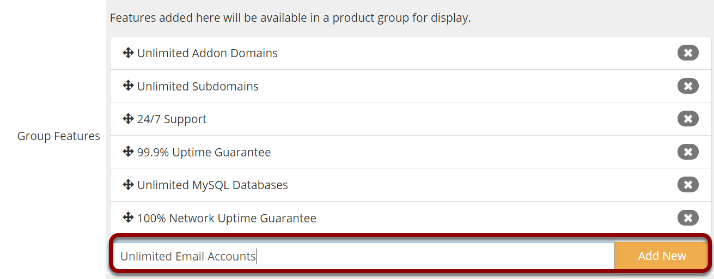
Repeat the process for each group feature you wish to add.
4. Click Save Change
Related Articles